Smart trainer
Power, cadence and speed, plus resistance control: the slope and ERG workouts.
XP 100%FORGE Ride doesn’t look at your trainer’s name, it looks at the Bluetooth services it actually exposes. So the same button works for a smart trainer, a power meter, a speed or cadence sensor (a Garmin, say) or a heart-rate strap. On a Windows PC, the FORGE Ride download connects them over Bluetooth directly. In the browser, use Chrome or Edge.












 Bkool
Bkool
The first four get you riding. The last two make your effort count.
Smart trainer or basic trainer, both work.
A Windows PC with the FORGE Ride download, or Chrome or Edge on a computer, tablet or Android phone.
The same one as the training app.
Trust us.
A smart trainer or a power meter: measured watts, medals and world boards.
On a basic trainer, your heart rate becomes an estimated power.
A speed or cadence sensor (a Garmin, for example) also works on a basic trainer: your wheel speed becomes an estimated power.
Plug the trainer in and turn the pedals a few times. Close any other app that might be holding it: a trainer talks to one app at a time.
On a Windows PC, launch the FORGE Ride download: it talks to your sensors over Bluetooth directly. In the browser, open the Ride tab of the app in Chrome or Edge, with Bluetooth on.
Pick your trainer in the list. FORGE finds its protocol on its own and shows it on the label, e.g. “KICKR CORE · FTMS”. If nothing answers within 20 seconds, it stops and tells you.
Heart-rate strap, cadence sensor, power meter: same button, one at a time. Then pick a route, or the next group start.
Connecting takes four steps: wake the trainer up and close other apps; open FORGE Ride, either the Windows download (Bluetooth straight from the PC) or in Chrome or Edge with Bluetooth on; tap SENSORS then Trainer and FORGE finds the protocol on its own; add a heart-rate strap, cadence sensor or power meter with the same button.
Find your setup below: what it measures, what the game can control, and what it’s worth in XP.
When you connect, FORGE picks the best protocol your trainer offers, in this order. The first three let the game control the resistance: the slope stiffens your pedals and workouts hold your watts in ERG.
The Bluetooth standard spoken by almost every modern smart trainer.
Slope + ERGTacx trainers from before FTMS, and newer ones on older firmware.
Slope + ERGWahoo KICKR trainers from before FTMS, through their own control channel.
Slope + ERGPower meters and basic trainers that report watts. Measured, but no resistance control.
Measured wattsA basic trainer with a speed sensor: power is estimated from a generic resistance curve.
Estimated wattsThe name only decorates the label (“Tacx Neo 2T · FE-C”). What matters is the protocol: any Bluetooth trainer that speaks FTMS is designed to work, listed here or not.
A trainer, a strap and a cadence sensor can all be connected at once. FORGE keeps the freshest value of each and drops any reading that goes silent for more than 5 seconds, so a dead strap never freezes your heart rate at 148.
Power, cadence and speed, plus resistance control: the slope and ERG workouts.
XP 100%Pedals, crank or hub: real watts on any trainer, even a basic one.
XP 100%
Bluetooth speed or cadence sensors (CSC), like a Garmin cadence sensor. Cadence on screen; on a basic trainer, wheel speed becomes an estimated power.
XP 60% (estimate)Your heart rate on screen, and an estimated power when nothing measures watts.
XP 60% (estimate)Your heart rate on screen, and an estimated power when nothing measures watts. On a basic trainer, your heart becomes your engine.
Why only 60%? Heart rate says how hard your body works, not how much reaches the pedals. It drifts with heat, fatigue, caffeine and sleep, and lags 30 to 60 seconds behind a change in effort.
 30–60 s lag
Choose RUN on the game’s home screen: the list of devices switches to running ones.
Discover FORGE RunThe belt’s exact speed becomes your runner’s speed, and the incline follows the road’s hills (0 to 15%, or fixed if you prefer). The game never changes the speed and never starts the belt.
Speed + inclineOn your shoe (Stryd, Polar…): your speed and steps per minute, on any treadmill, even one that doesn’t connect.
Measured speedYour heart rate on screen and in the run saved to the app.
Heart rateTo try the roads: you set the speed by hand. Handy for a look around, but it earns no XP.
No XPYour XP, and the sparks that come with it, follow the quality of your data. World boards and medals only take measured data.
 Measured power
100%
Measured power
100%
Smart trainer, power meter. Medals and world boards included.
Heart-rate strap, speed sensor on a basic trainer.
An effort typed in by hand, with nothing to back it up: no XP.
FORGE Ride connects over Bluetooth Low Energy: straight from the PC with the Windows download, or through Web Bluetooth in the browser. Here’s what that asks of your setup.
 Available
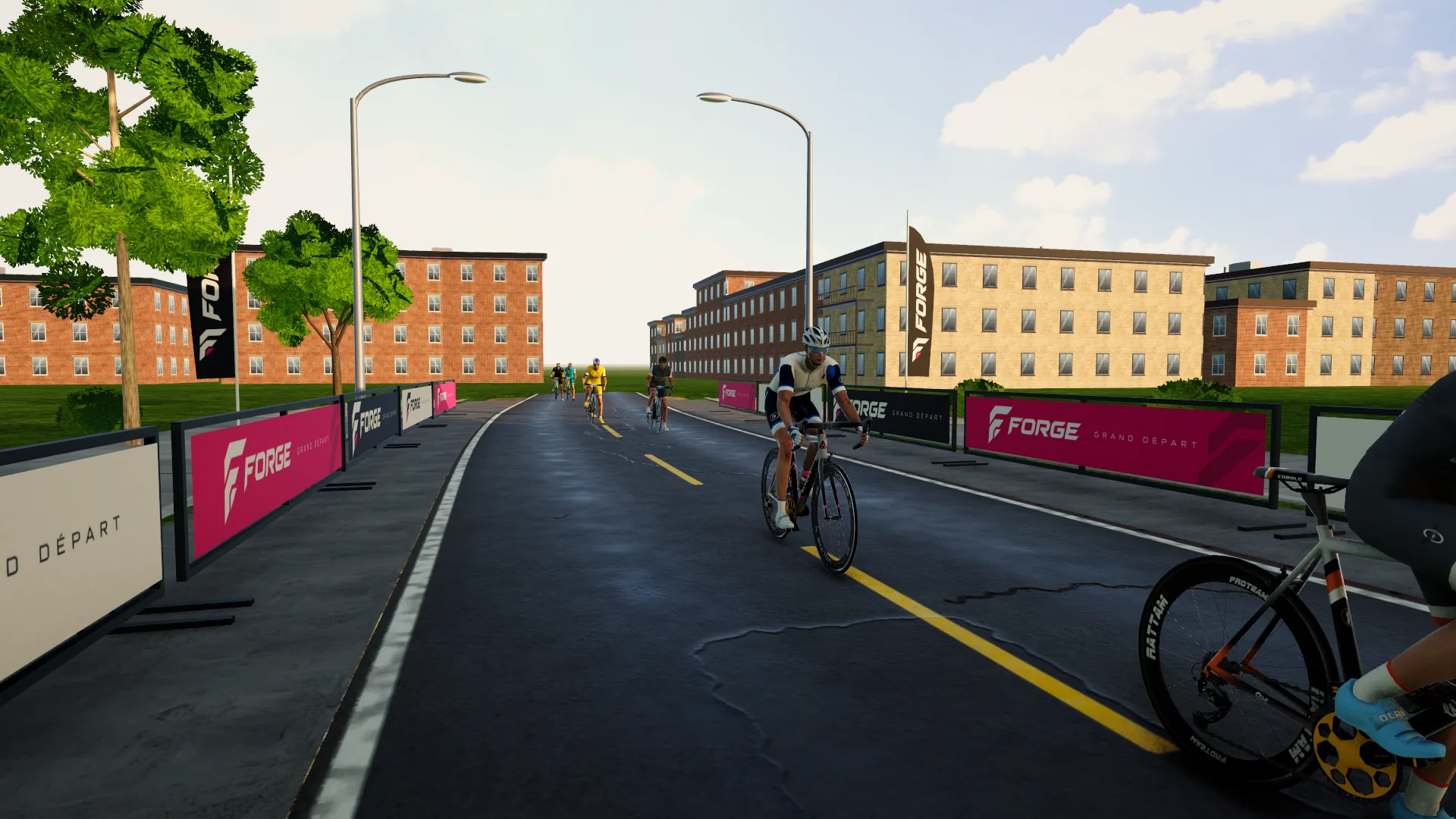
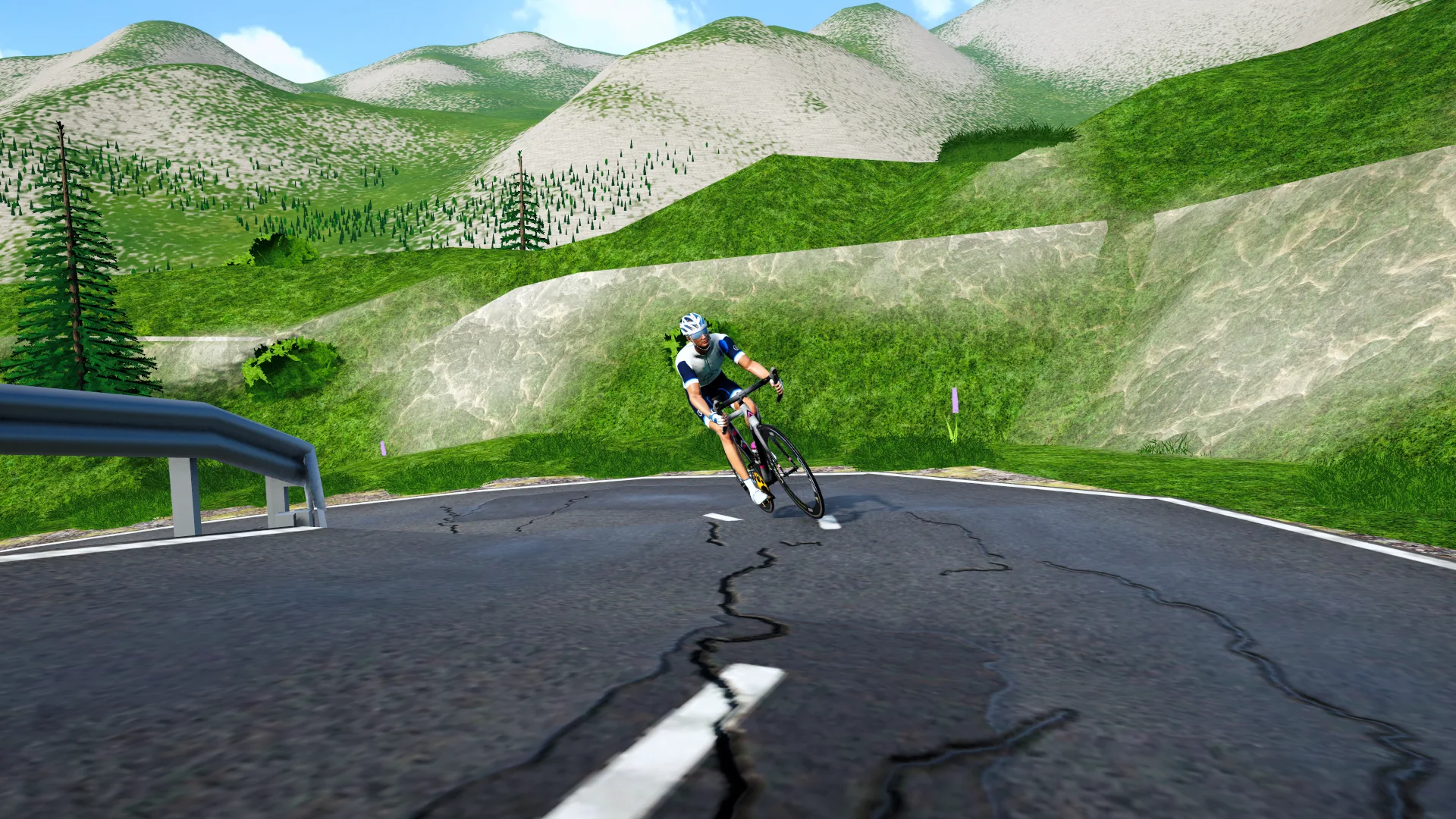
The FORGE Ride installer. The best graphics (high-res textures, 120+ fps on a gaming PC), and your sensors connect over Bluetooth right on the PC, heart rate and a Garmin cadence sensor included.
Download for Windows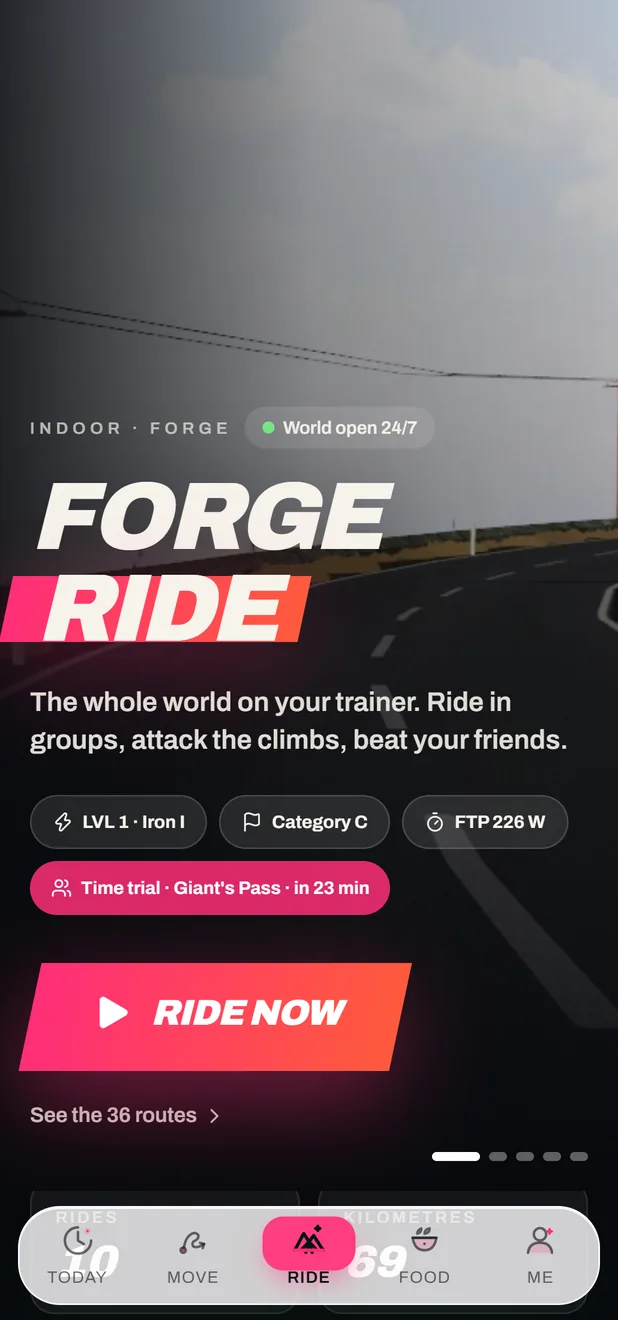 Available
From the Ride tab of the app, in Chrome or Edge on a computer, and also on a phone or tablet (lighter graphics). Nothing to install.
Ride in the browserSafari on iPhone doesn’t support Web Bluetooth, so the browser can’t talk to your sensors there. Ride on a Windows PC, or in Chrome or Edge on a computer or Android device.
FORGE Ride is the indoor game. The FORGE training app is a separate product with its own sources: your phone’s GPS outside, your health data, and your files from a watch.
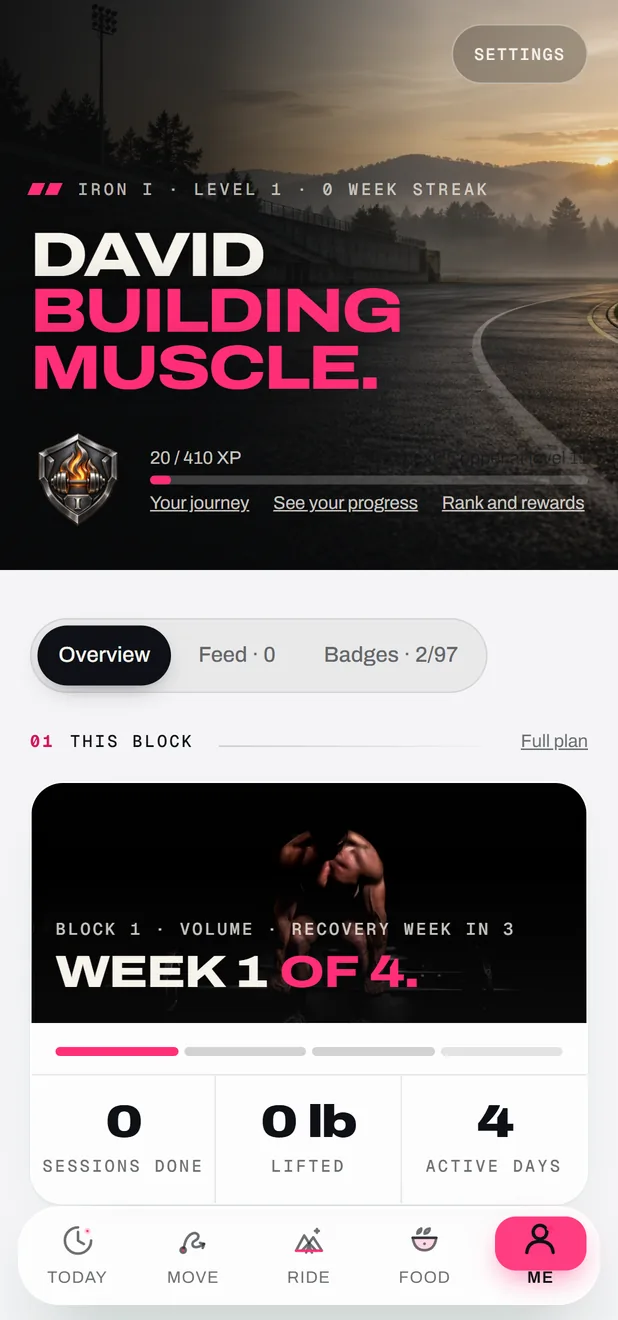
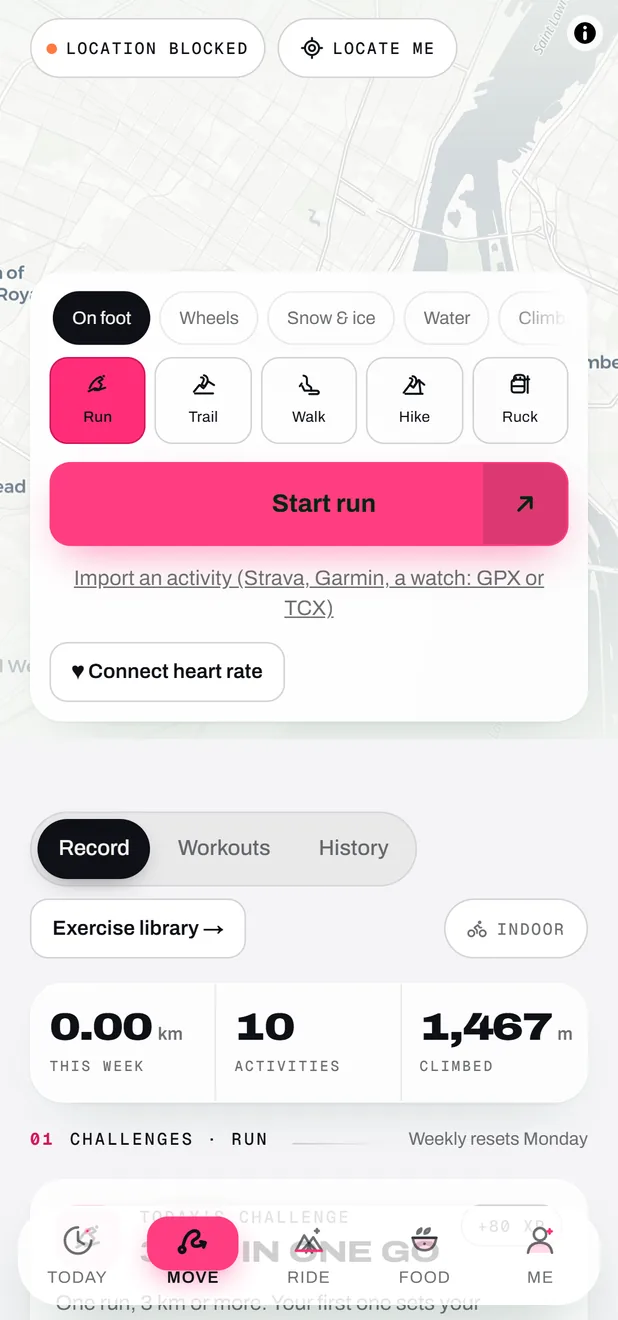
The Move tab records your run, trail, walk, hike, bike ride and more with the phone’s GPS.
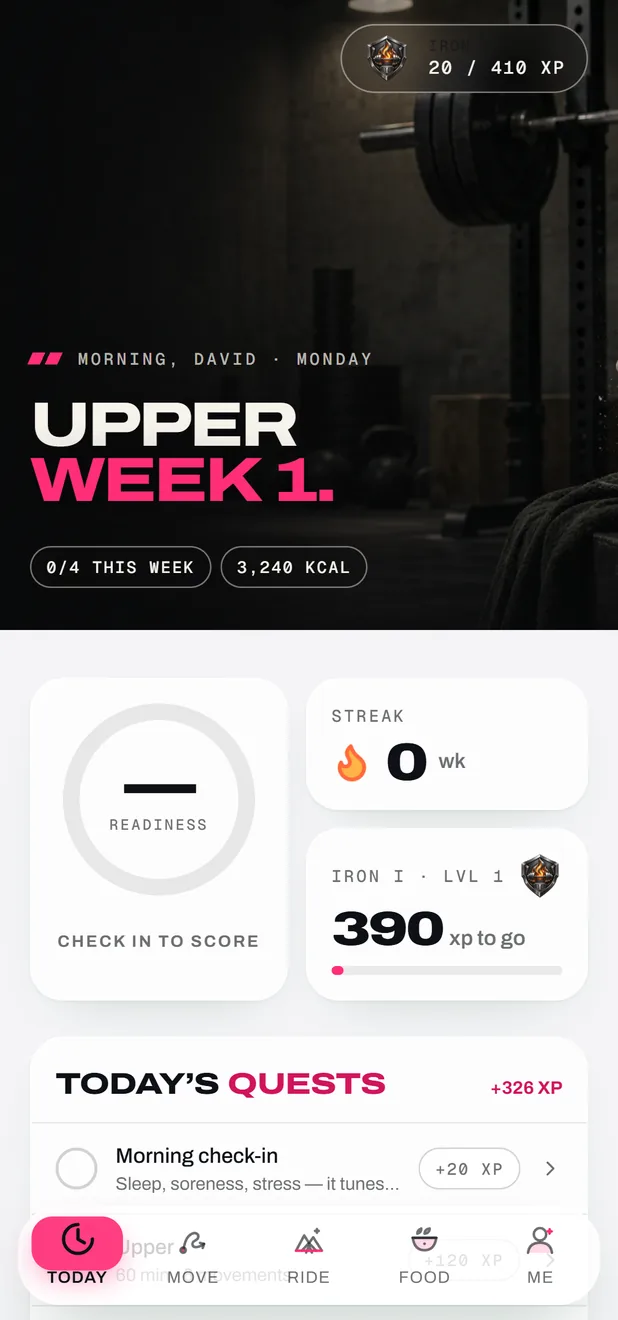
Steps, sleep, resting heart rate and workouts from a watch come in automatically: Health Connect on Android, Apple Health in the iPhone app.
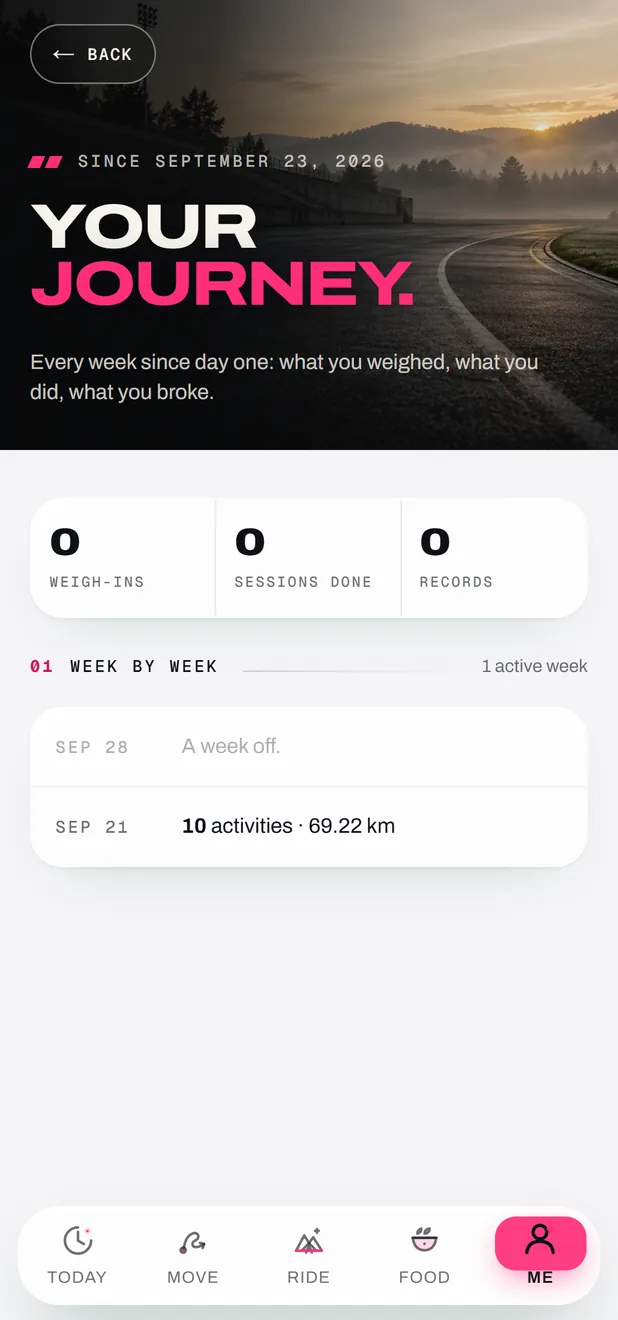
Bring in your activities from Strava, Garmin or a watch as GPX or TCX files.
Connect a heart-rate strap to the app too, for your outdoor activities.
No, and we won’t pretend otherwise. FORGE is designed around the Bluetooth standards (FTMS, Tacx FE-C, the Wahoo protocol, Cycling Power, Speed & Cadence) and recognises the brands listed above, but it hasn’t been tried on every model and firmware. If yours misbehaves, tell us.
FORGE connects over Bluetooth Low Energy. A device that only speaks ANT+ won’t show up; most recent trainers and sensors speak both.
Same game, same account. The Windows download has the best graphics and connects your sensors over Bluetooth straight from the PC. The browser version needs nothing installed: open the app’s Ride tab in Chrome or Edge.
Safari doesn’t support Web Bluetooth, so a web page can’t talk to your sensors there. Ride on a Windows PC with the download, or in Chrome or Edge on a computer or Android device.
Yes, over Bluetooth: FORGE Ride reads speed and cadence sensors (CSC), Garmin included. Add it with the same button as the trainer.
Check that Bluetooth is on, the trainer is awake (turn the pedals) and no other app is connected to it. If nothing answers within 20 seconds, FORGE stops and tells you instead of waiting forever.
Heart rate says how hard your body works, not how much reaches the pedals. It drifts with heat, fatigue, caffeine and sleep, and lags 30 to 60 seconds behind a change in effort. Good enough to move you believably, not good enough to race.