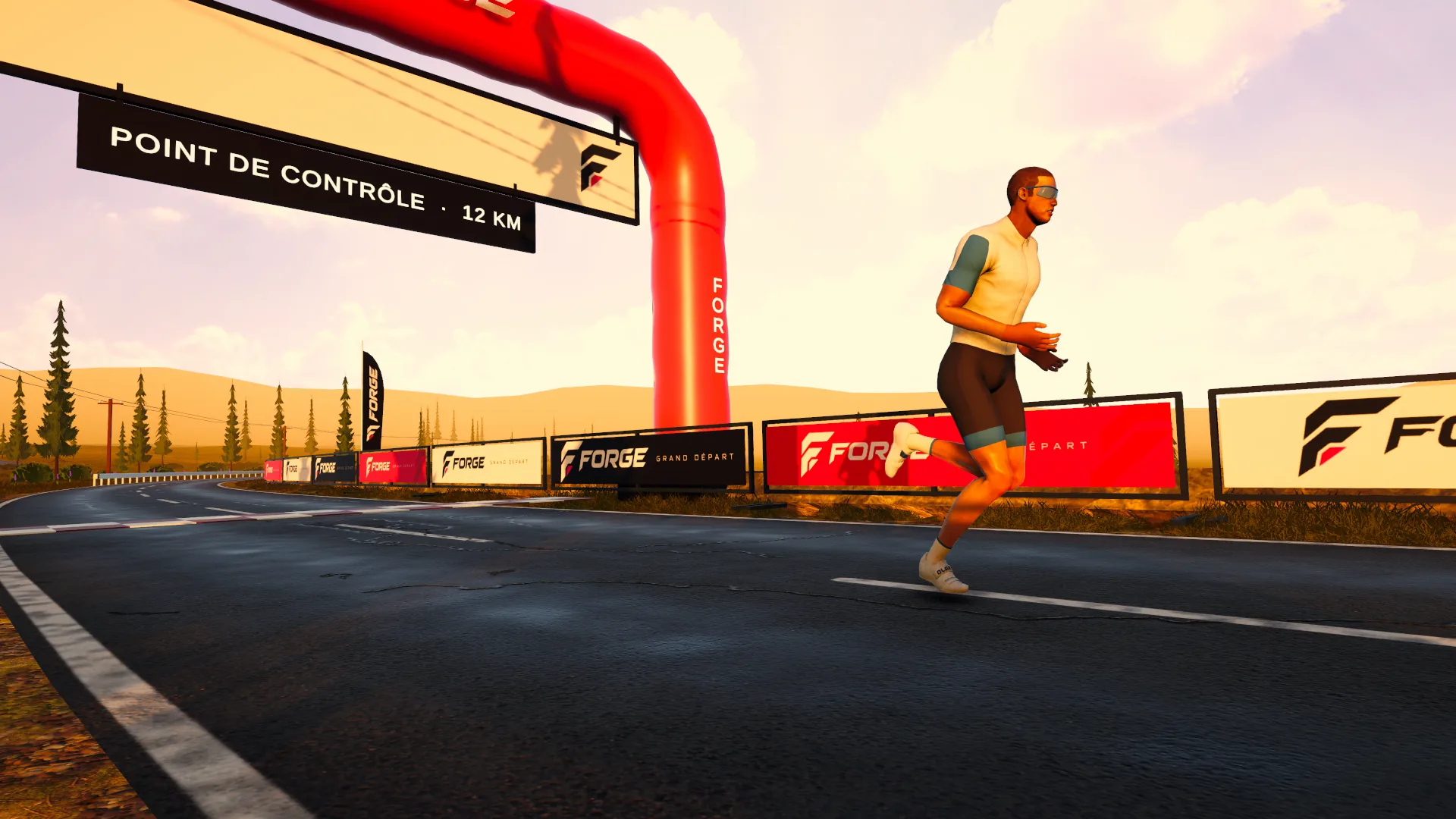
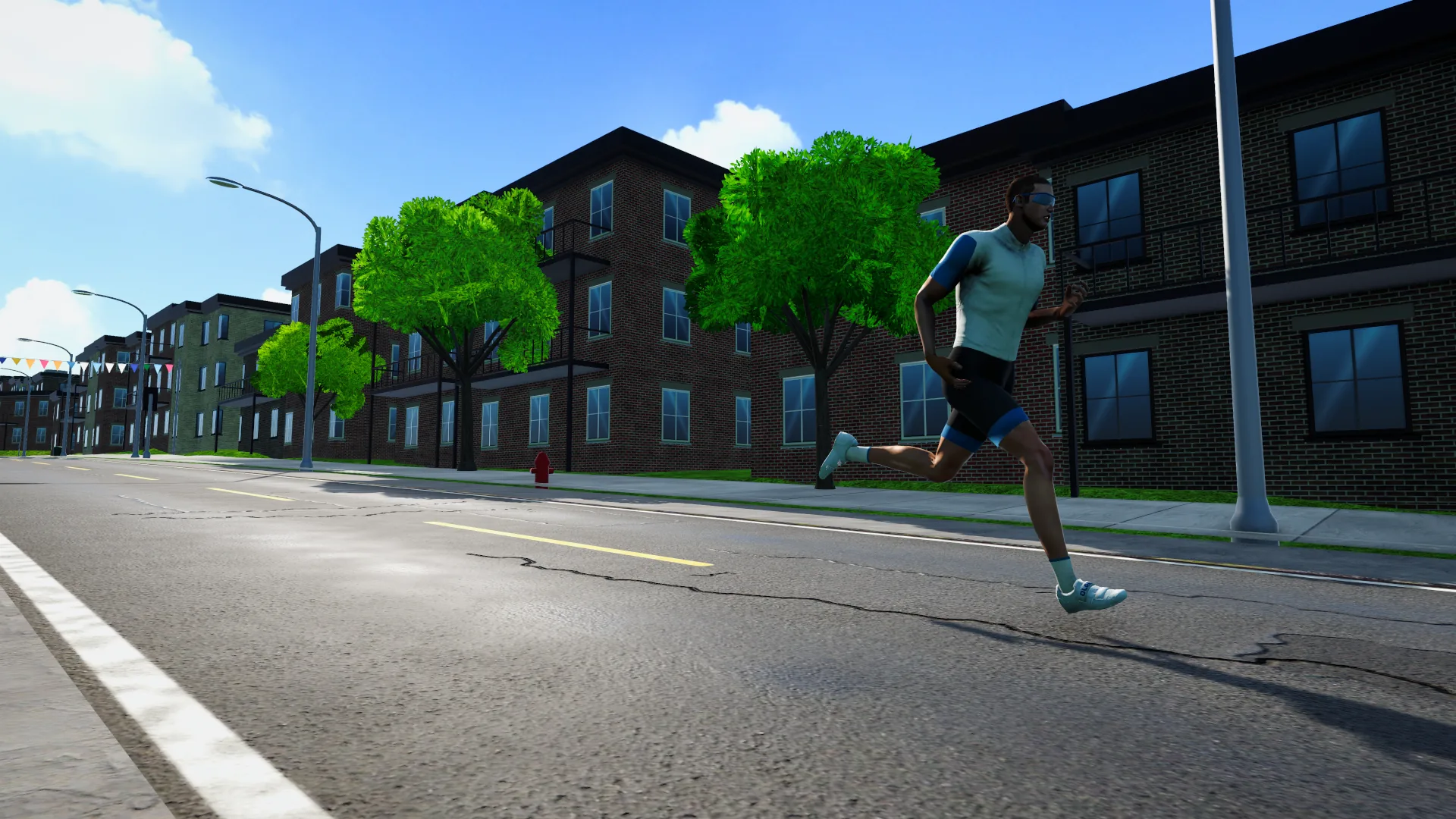
Montréal22
Tour de l’Île
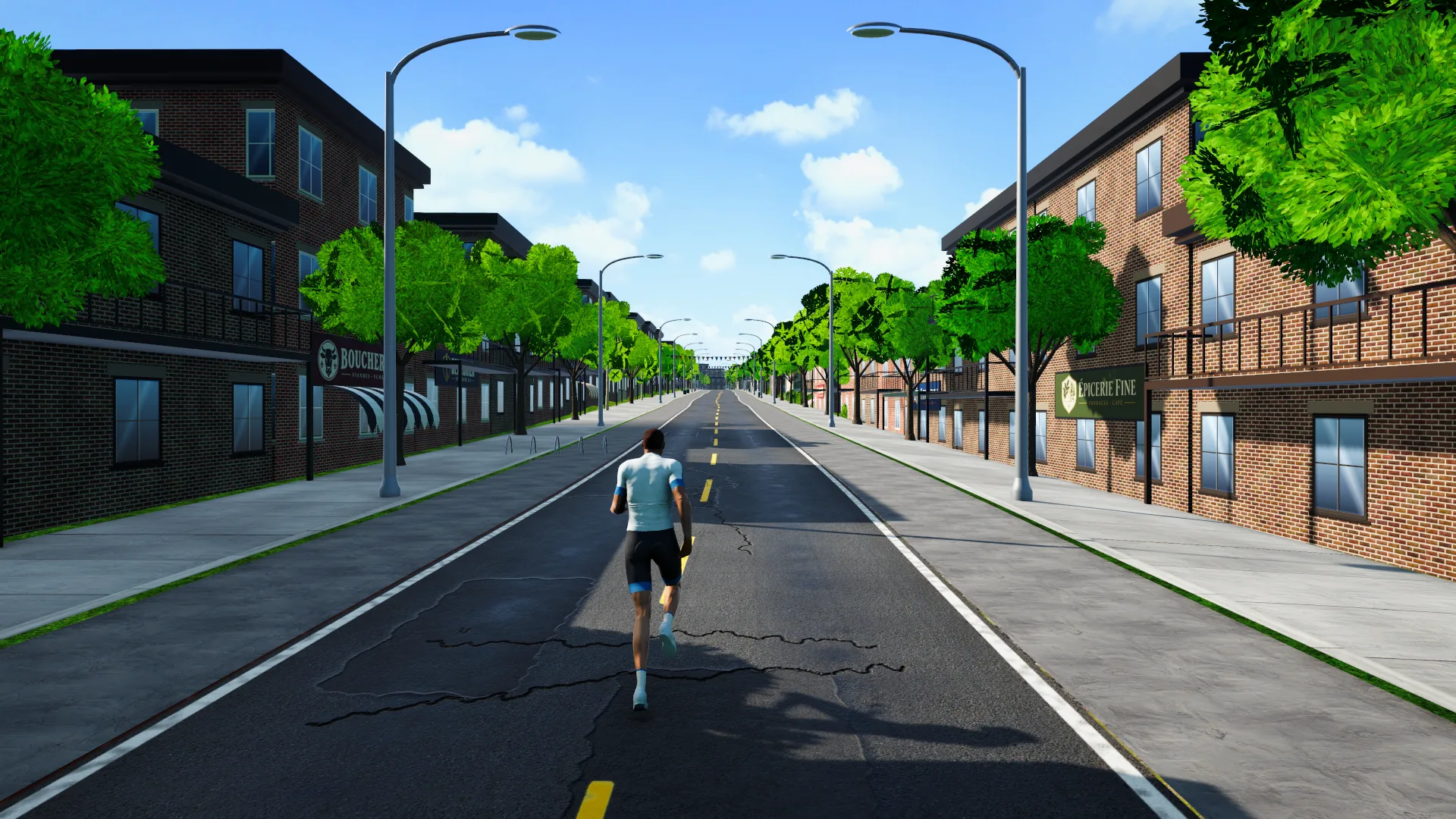
The streets of Montréal, block after block
FORGE isn’t only for bikes anymore. Connect your treadmill and run the game’s 51 routes, from the streets of Montréal to the slopes of Mount Fuji: your runner moves at your belt’s speed, and the treadmill tilts on the climbs.
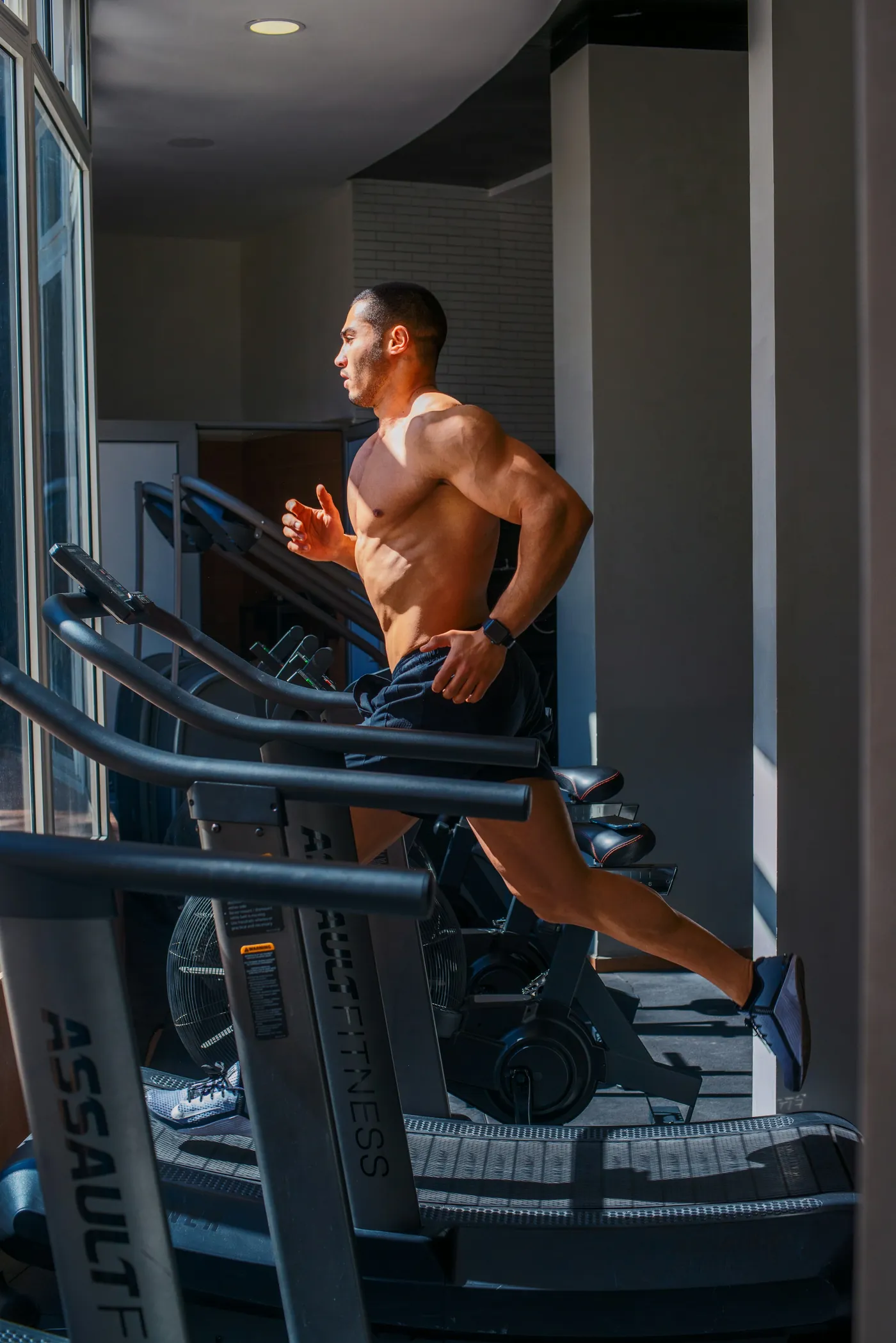
A smart treadmill connects by Bluetooth (FTMS). Its speed is your runner’s speed, to the tenth of a km/h.
On a climb, the treadmill tilts up to 15%; on the flat and downhill it comes back to 0. Prefer a fixed incline? One tap turns it off.
FORGE never touches your belt’s speed and never starts it: you speed up, slow down and stop with your treadmill’s own buttons.
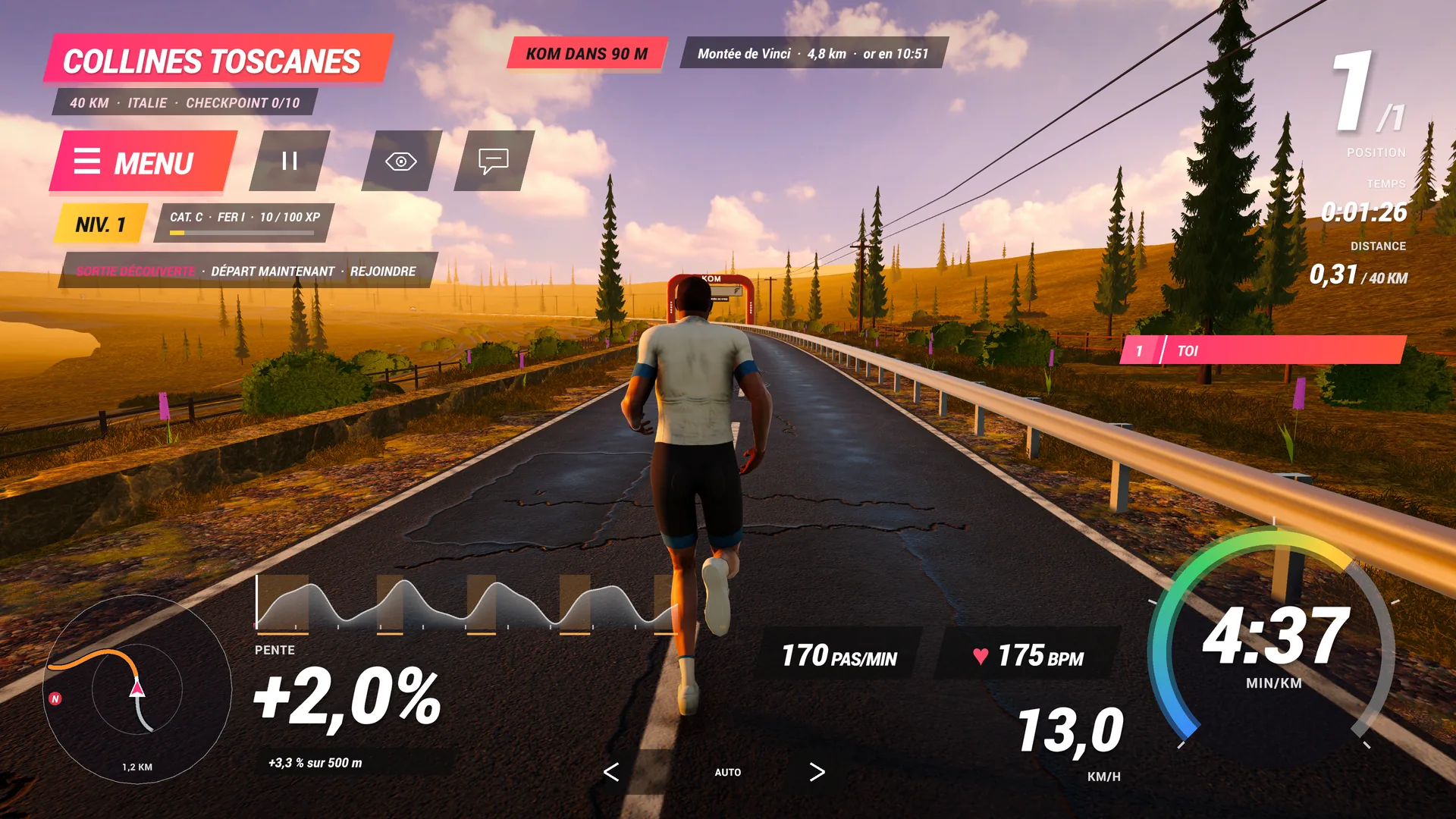
Where the bike shows watts, FORGE Run shows what a runner looks for.
The streets of Montréal, block after block
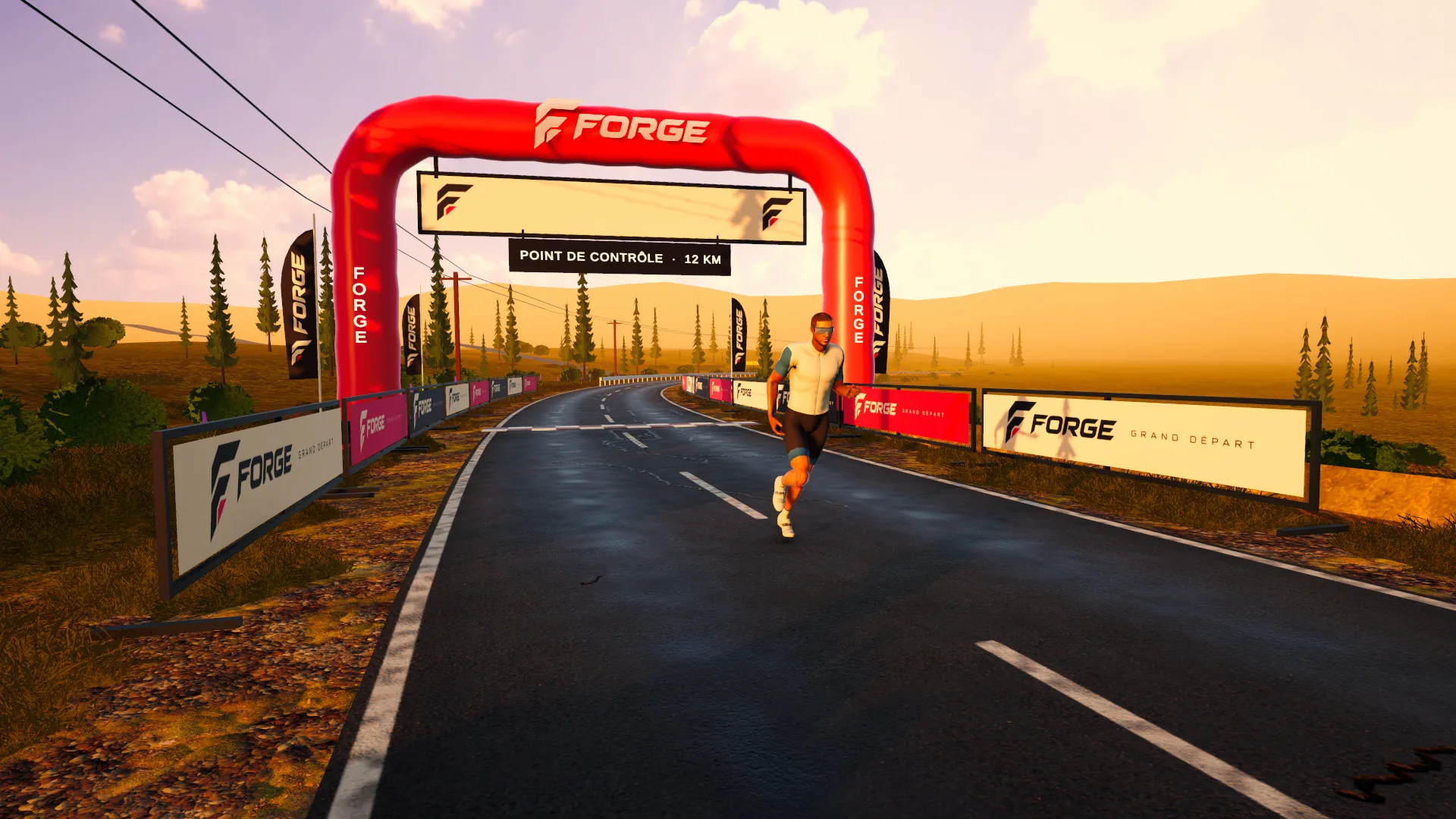
Rolling hills at sunset: the treadmill goes up and down with them
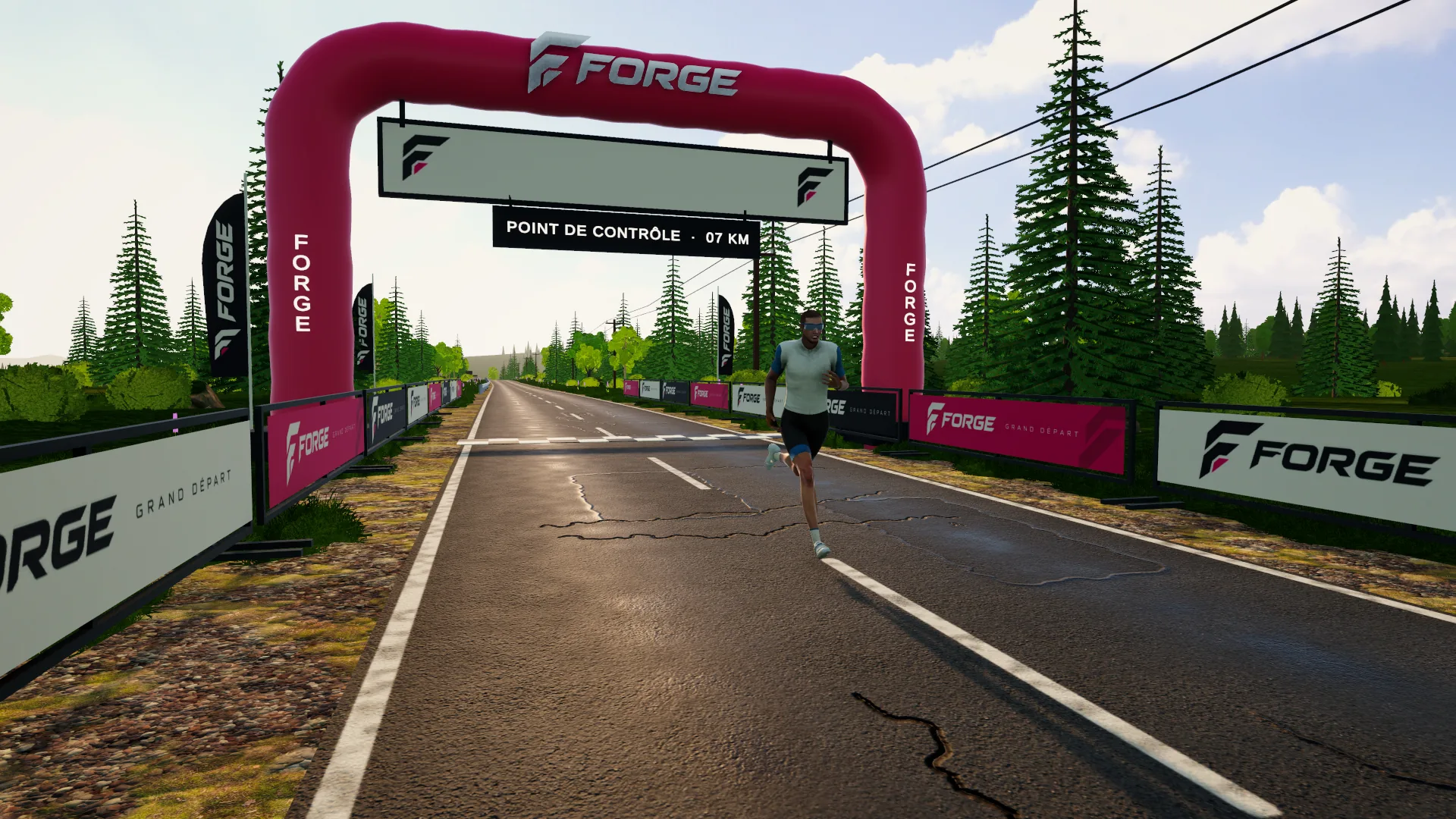
Baie-Saint-Paul → Les Éboulements, for the brave
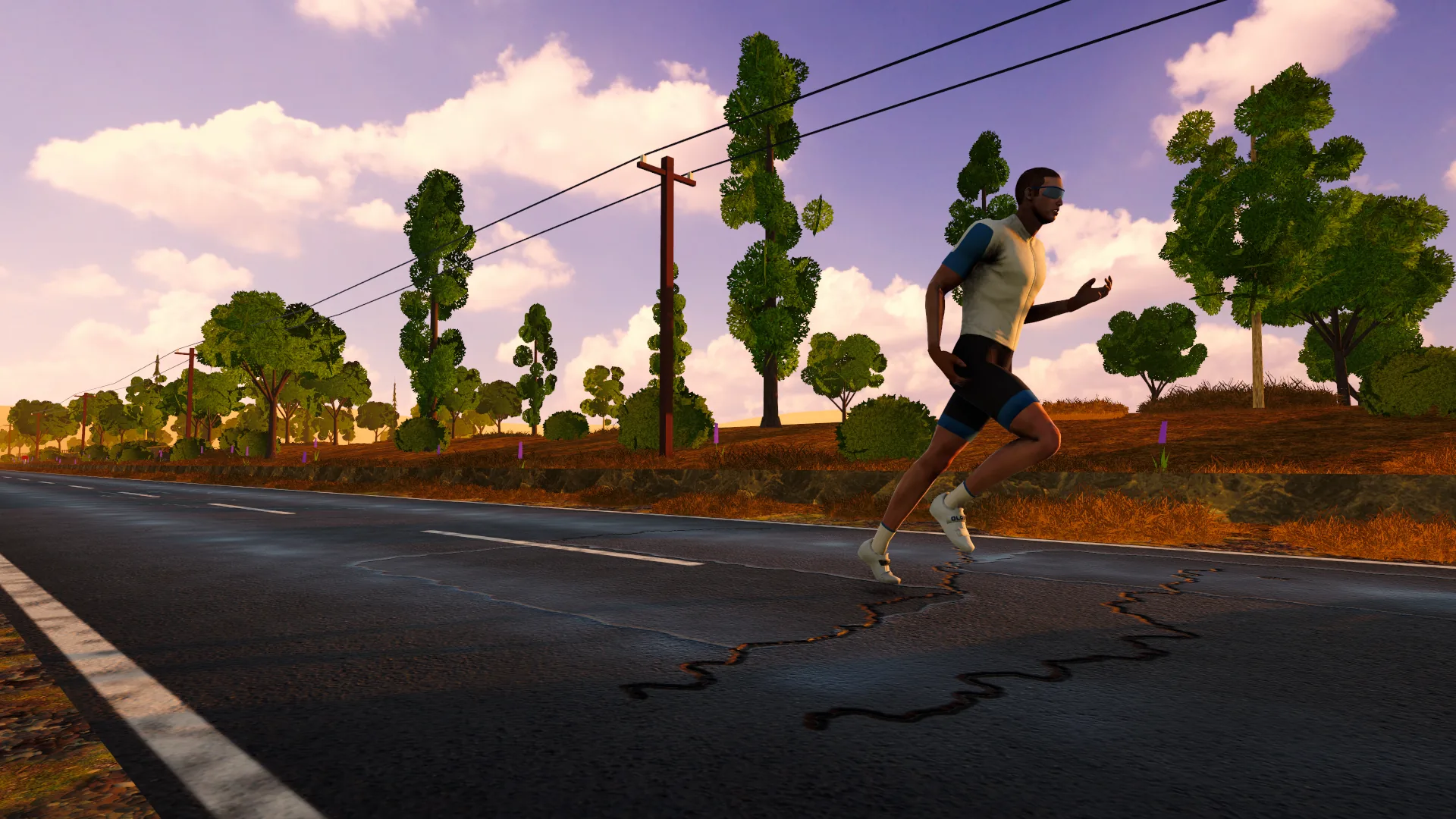
Plane trees, lavender and a long false flat
Everything connects by Bluetooth, from Chrome or Edge.
Compatible devices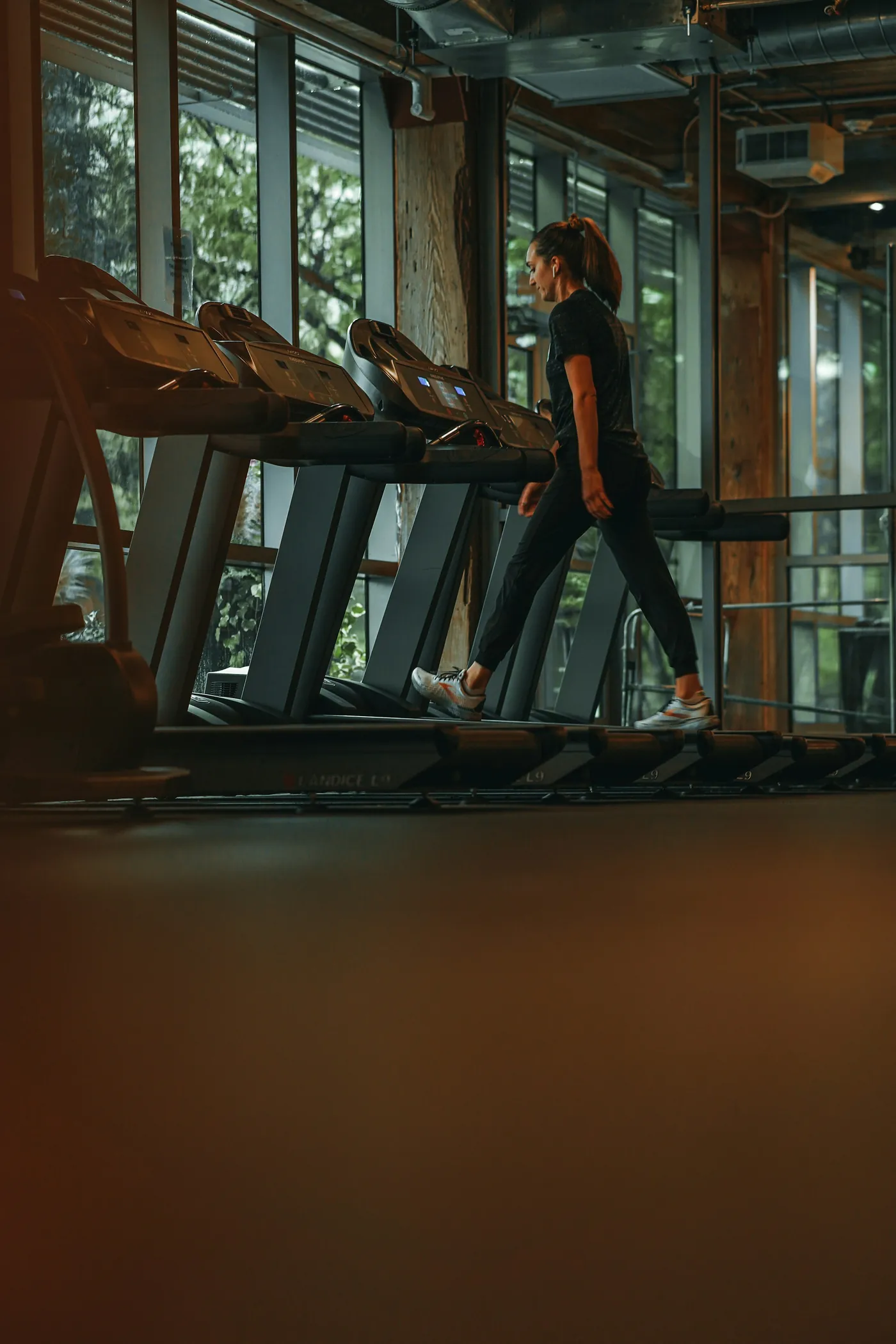
A treadmill with Bluetooth FTMS gives its exact speed, and its incline follows the road’s hills.
Your treadmill isn’t connected? A Bluetooth footpod on your shoe (Stryd, Polar…) gives your speed and your steps per minute. Heart-rate straps work too.
No sensor at all? A speed slider lets you try the roads (a sensor-free run earns no XP).
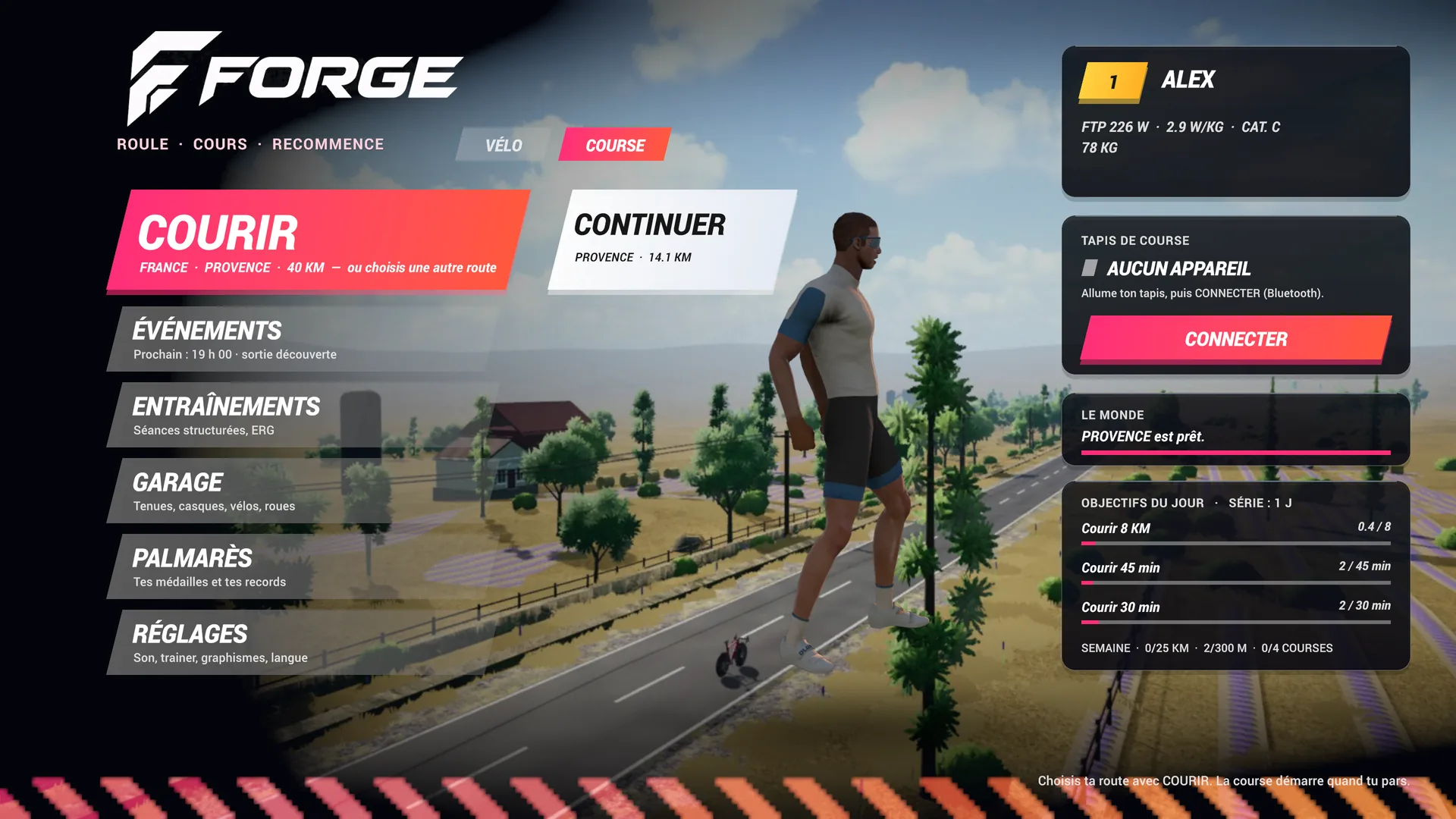
On the game’s home screen, BIKE and RUN sit side by side. Choose RUN and your rider changes into a runner: same world, same routes, same account.
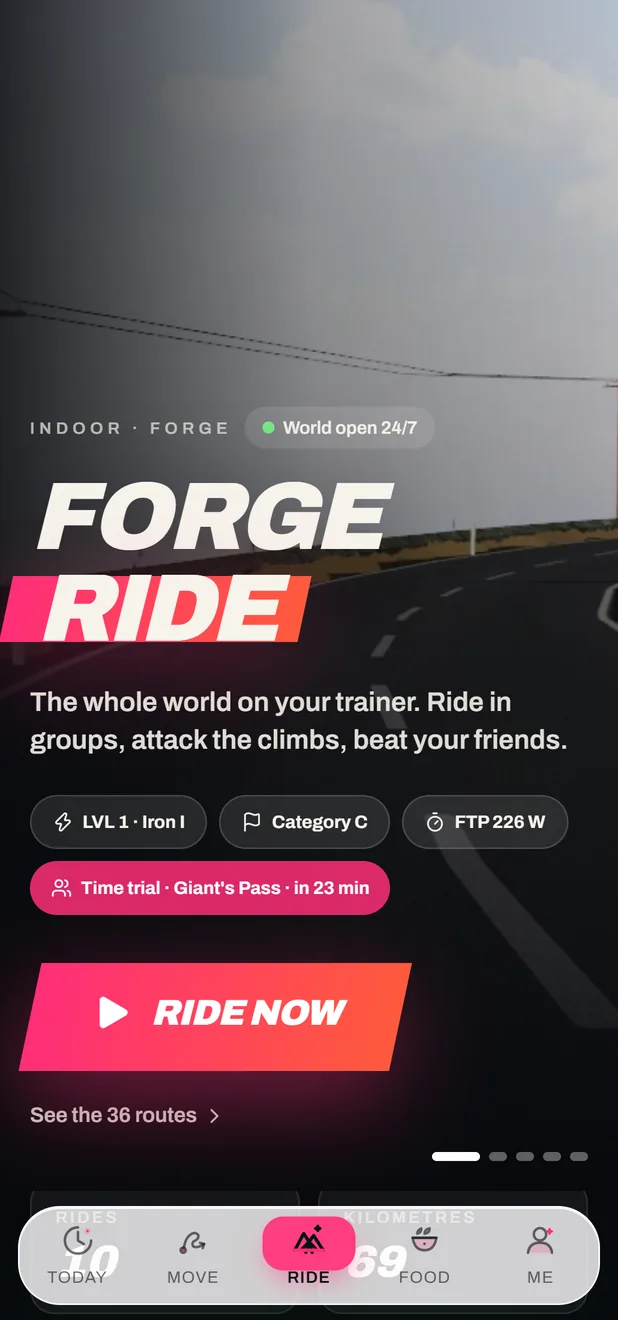
When you stop, an end screen shows your run. It’s saved in the FORGE app as a treadmill run, with its distance, time, pace and heart rate, and its XP counts toward the same level as your rides and your workouts.
Free, in your browser. Open the game, choose RUN, and go.