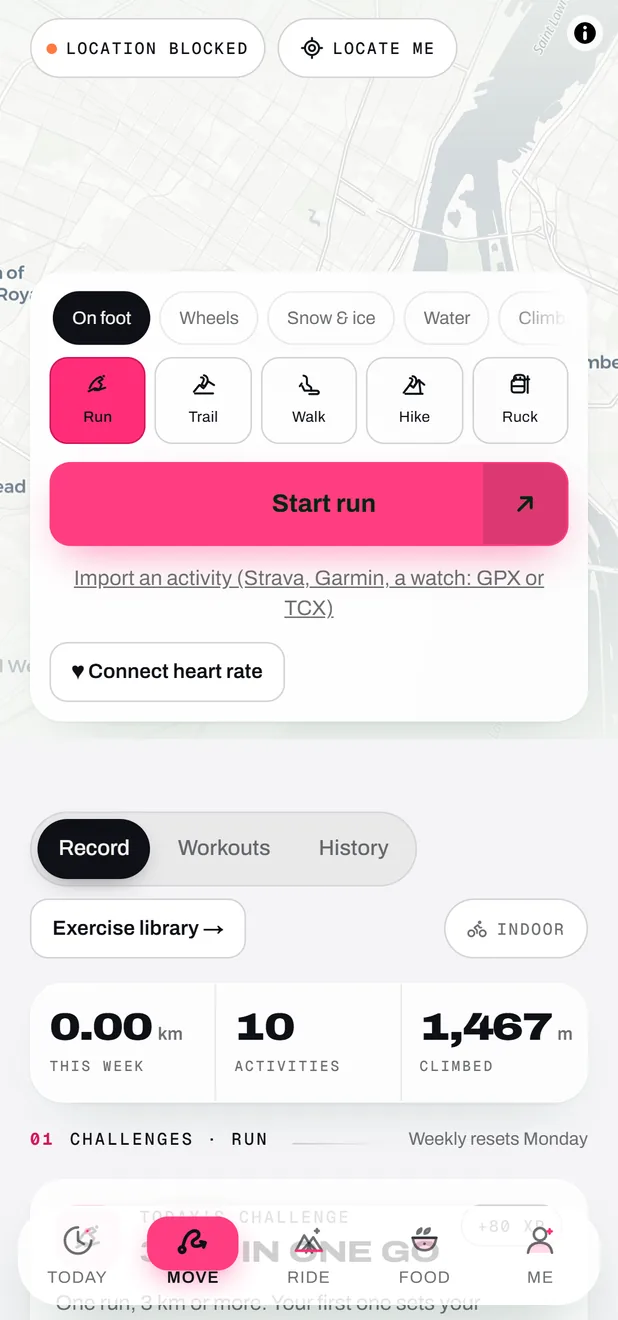
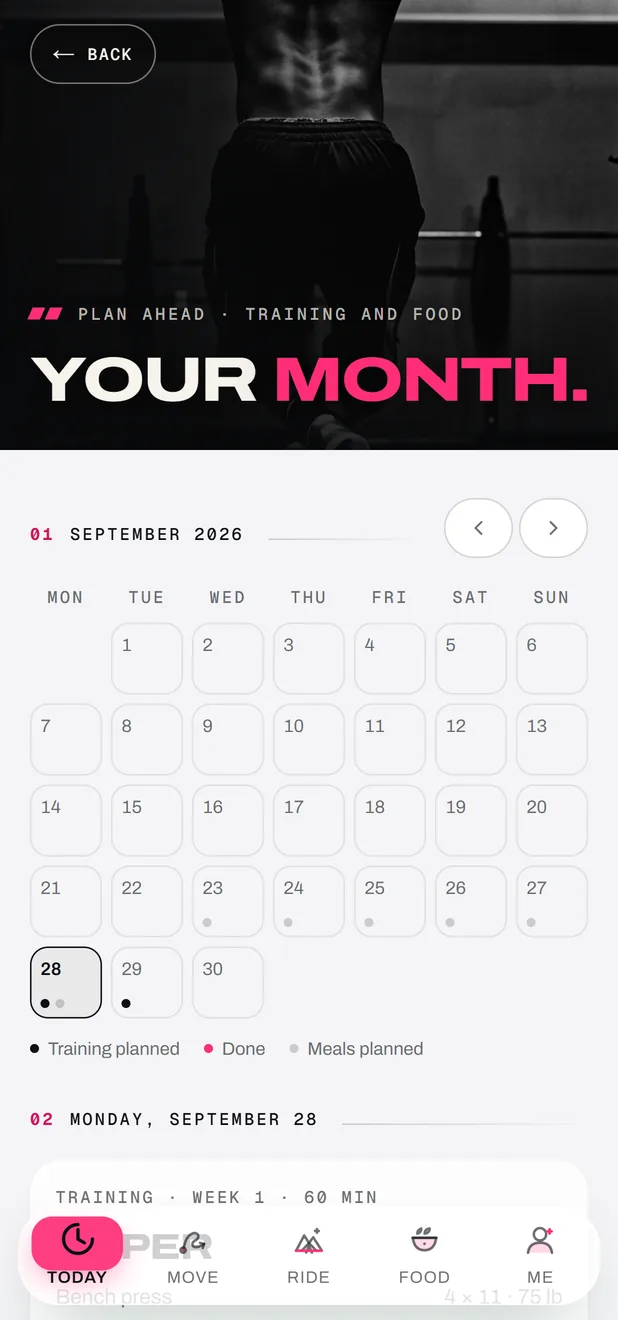
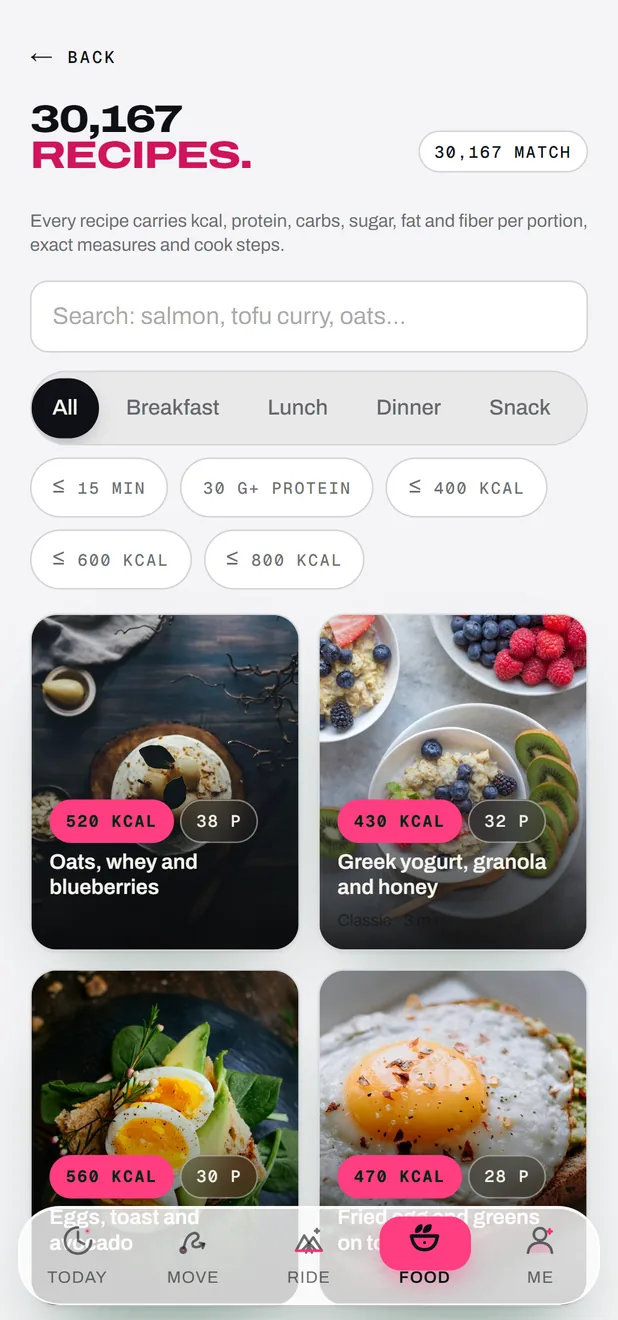
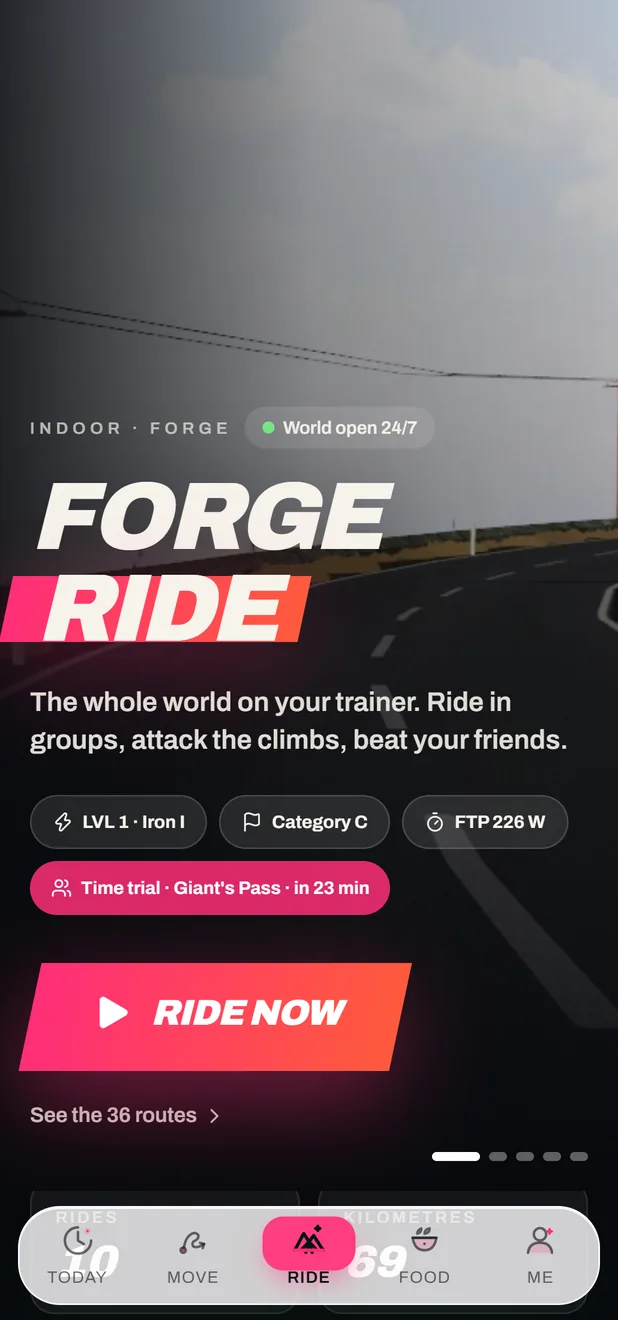
FORGE, the training app, on your phone or in your browser. FORGE Ride, the online cycling game, on your Windows PC or in your browser. Take one, or both.
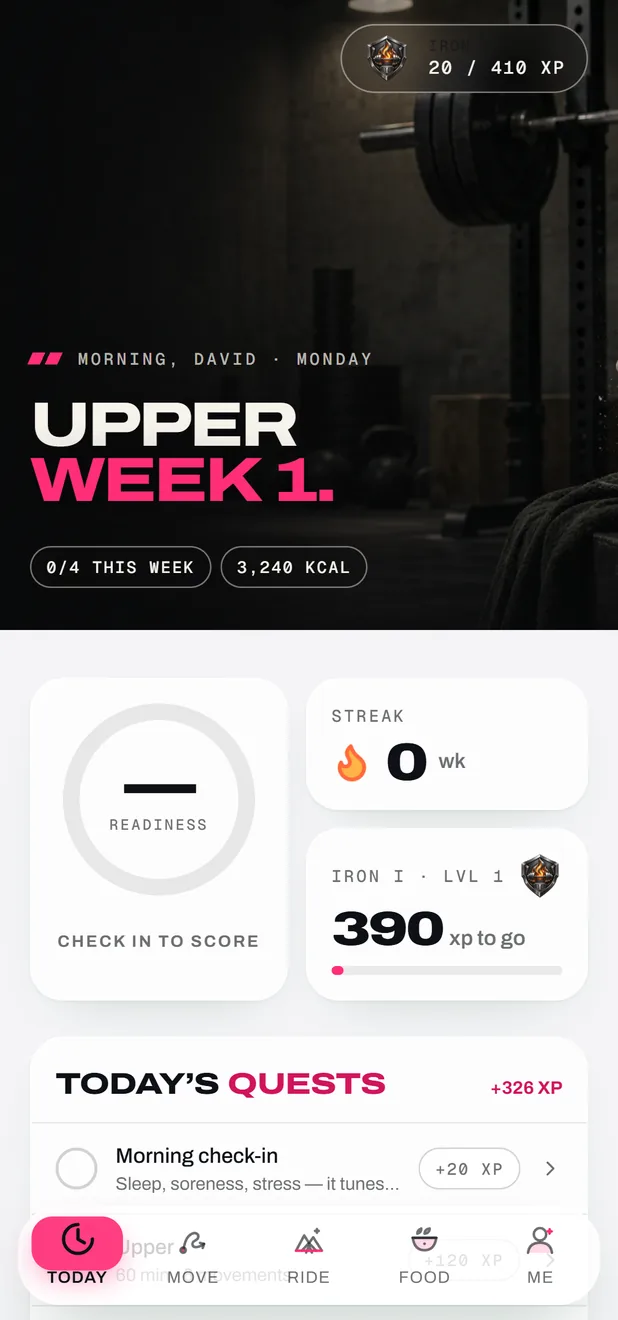
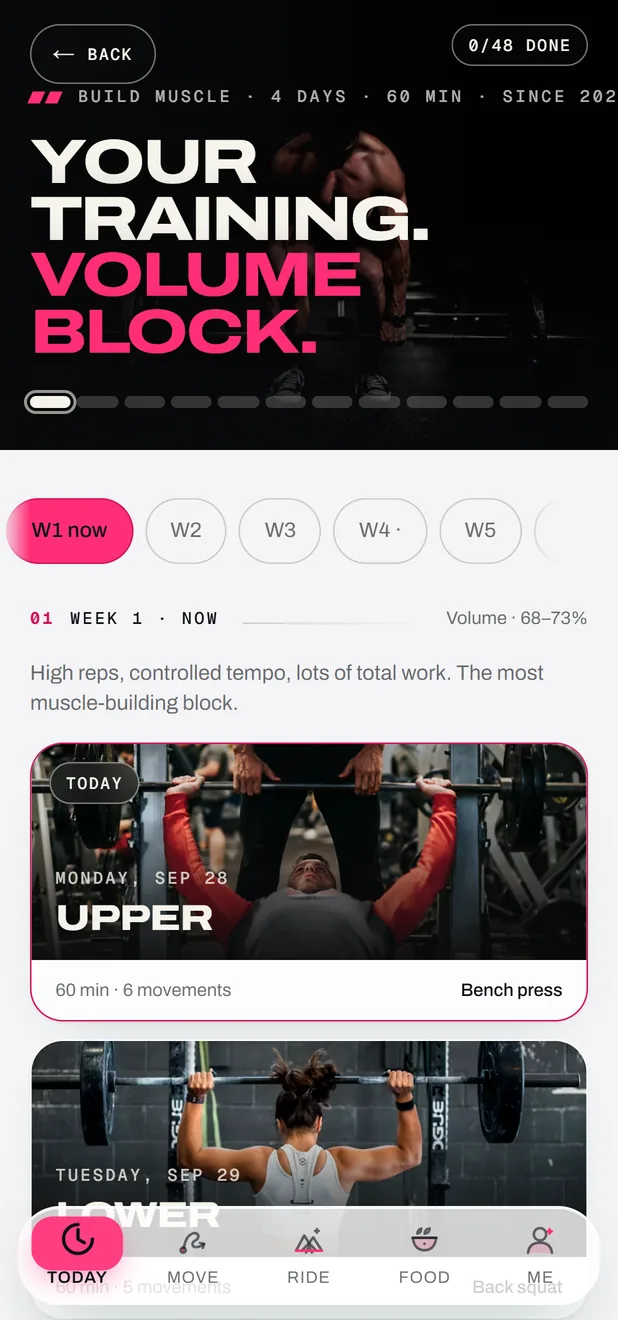
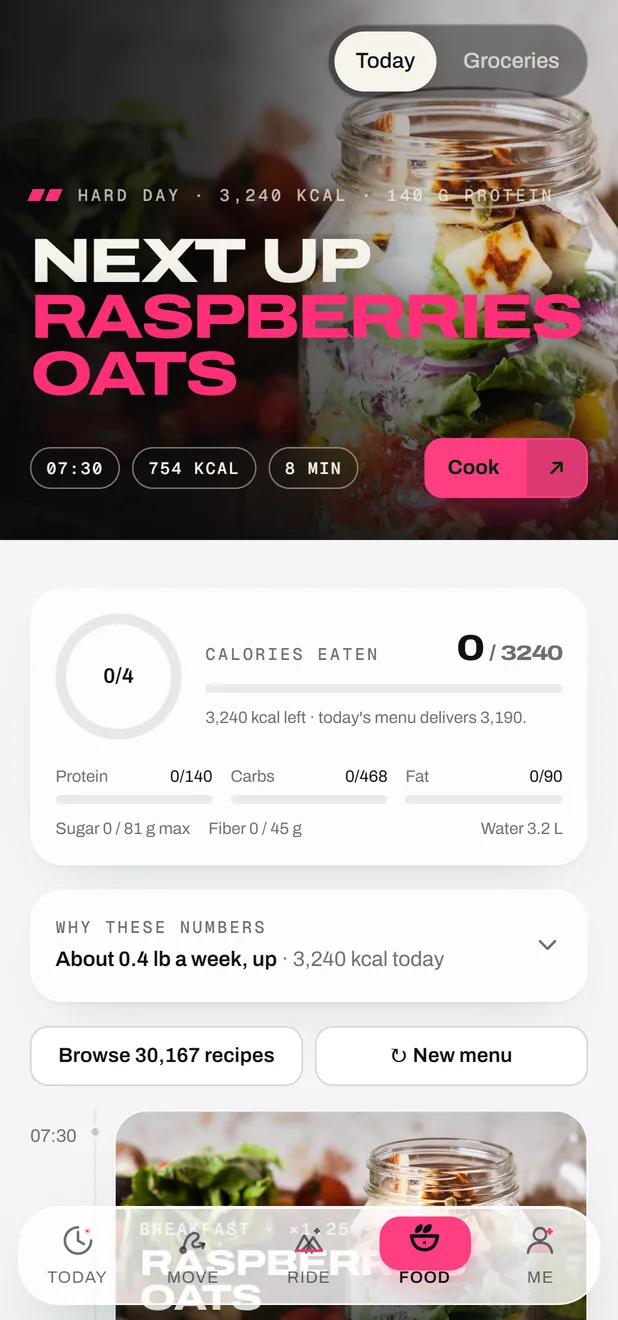
The plan, the sessions, the food and the progress. It runs on the web today, installs on your home screen like an app, and the Android app is on its way to Google Play.
The Android app is ready and on its way to Google Play, with Health Connect for your steps, sleep and watch workouts. Same account, same plan.
Until then: open the web app in Chrome, then menu ⋮ → “Install app” (or “Add to Home screen”).
Coming soon to Google Play
Available
iPhone
Open the web app in Safari, tap Share, then “Add to Home Screen”. FORGE then opens full screen, like any other app.
Bluetooth sensors don’t work in a browser on iPhone (Apple doesn’t allow it). To ride with a trainer, use a computer.
Safari · Add to Home Screen
Available
Computer
The same web app on a big screen: plan your week, browse the recipes, look back at your progress. Your account follows you from one screen to the other.
Any recent browser
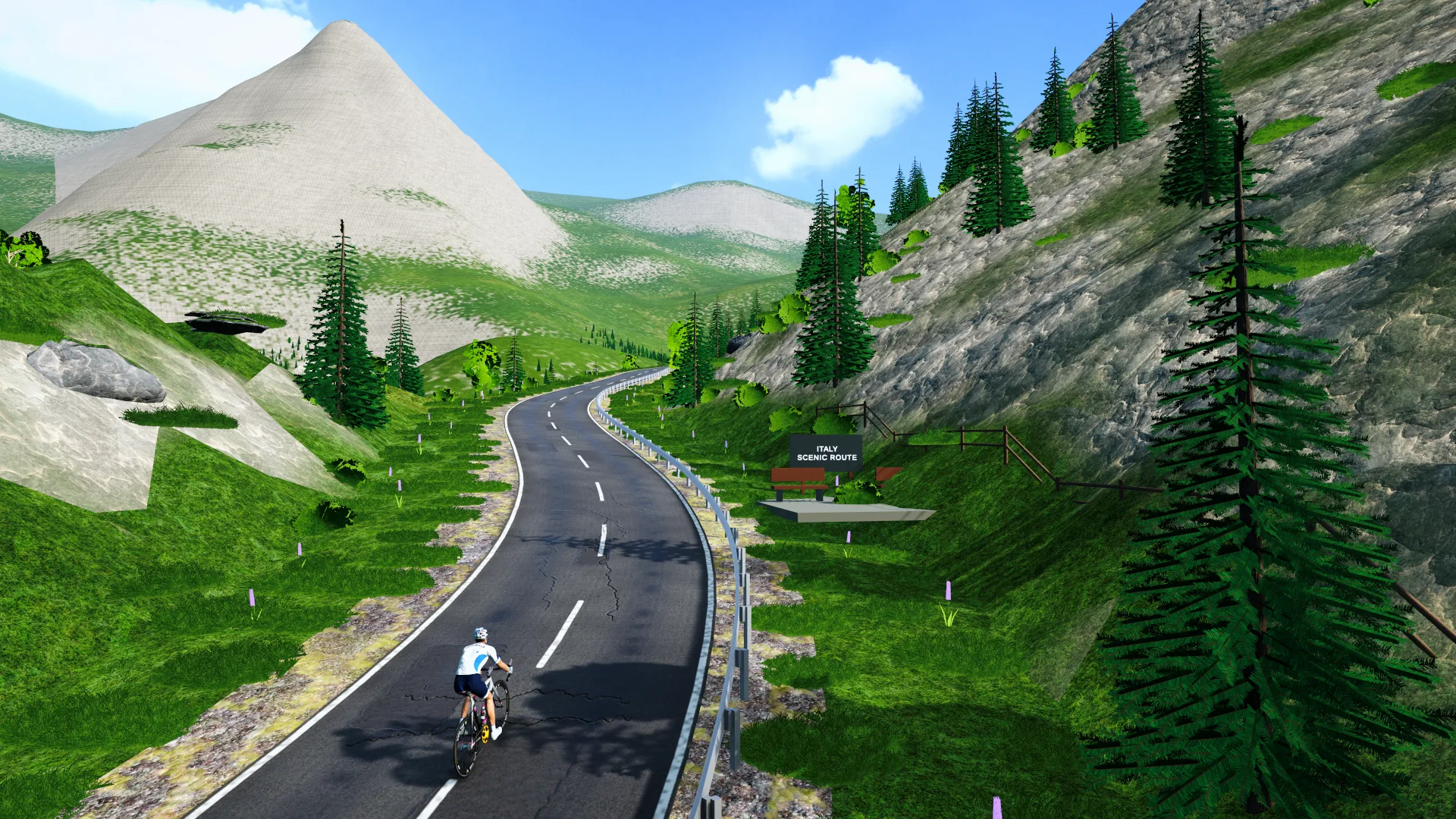
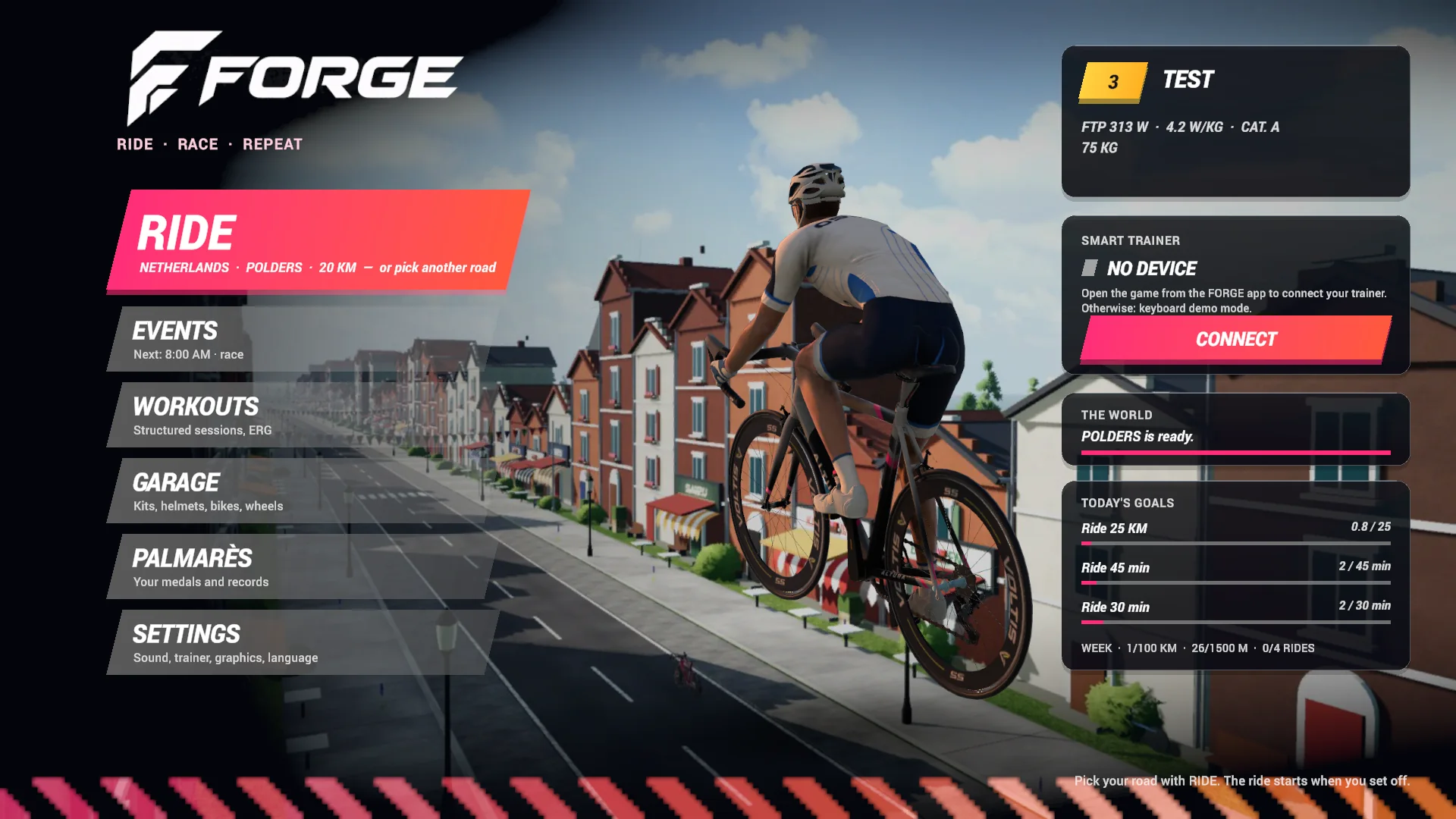
FORGE Ride, the game
The game.On your PC oronline.
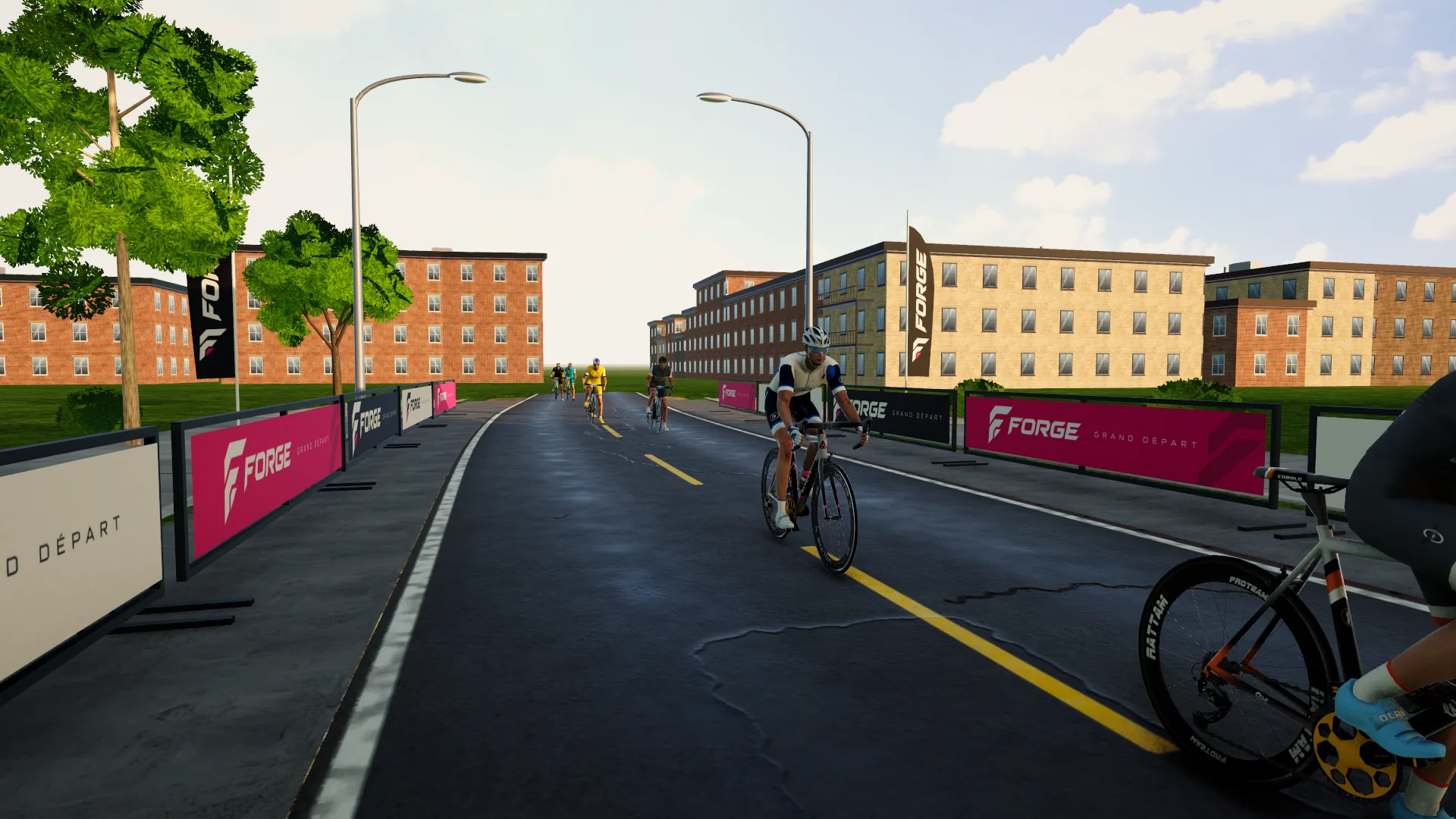
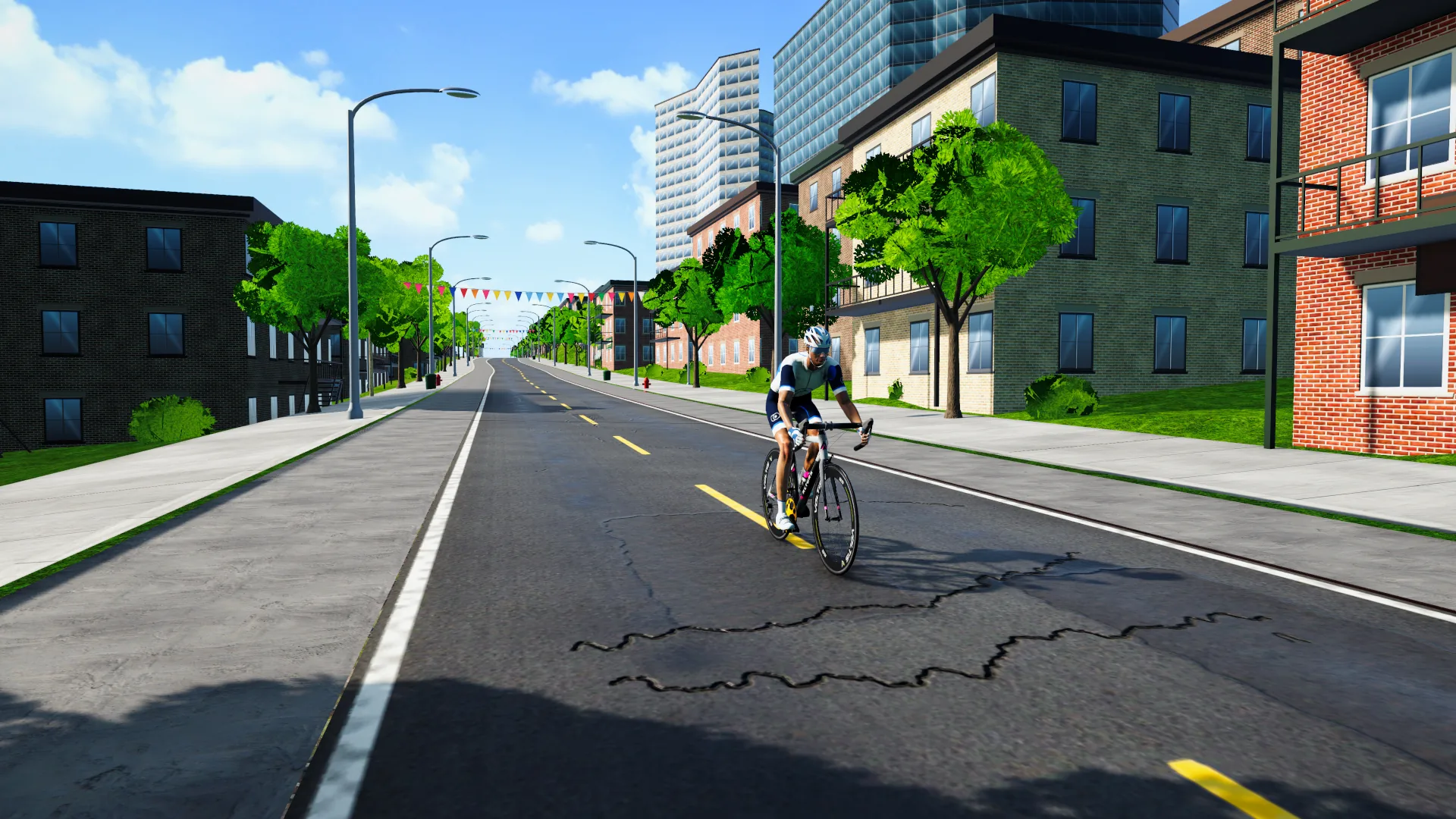
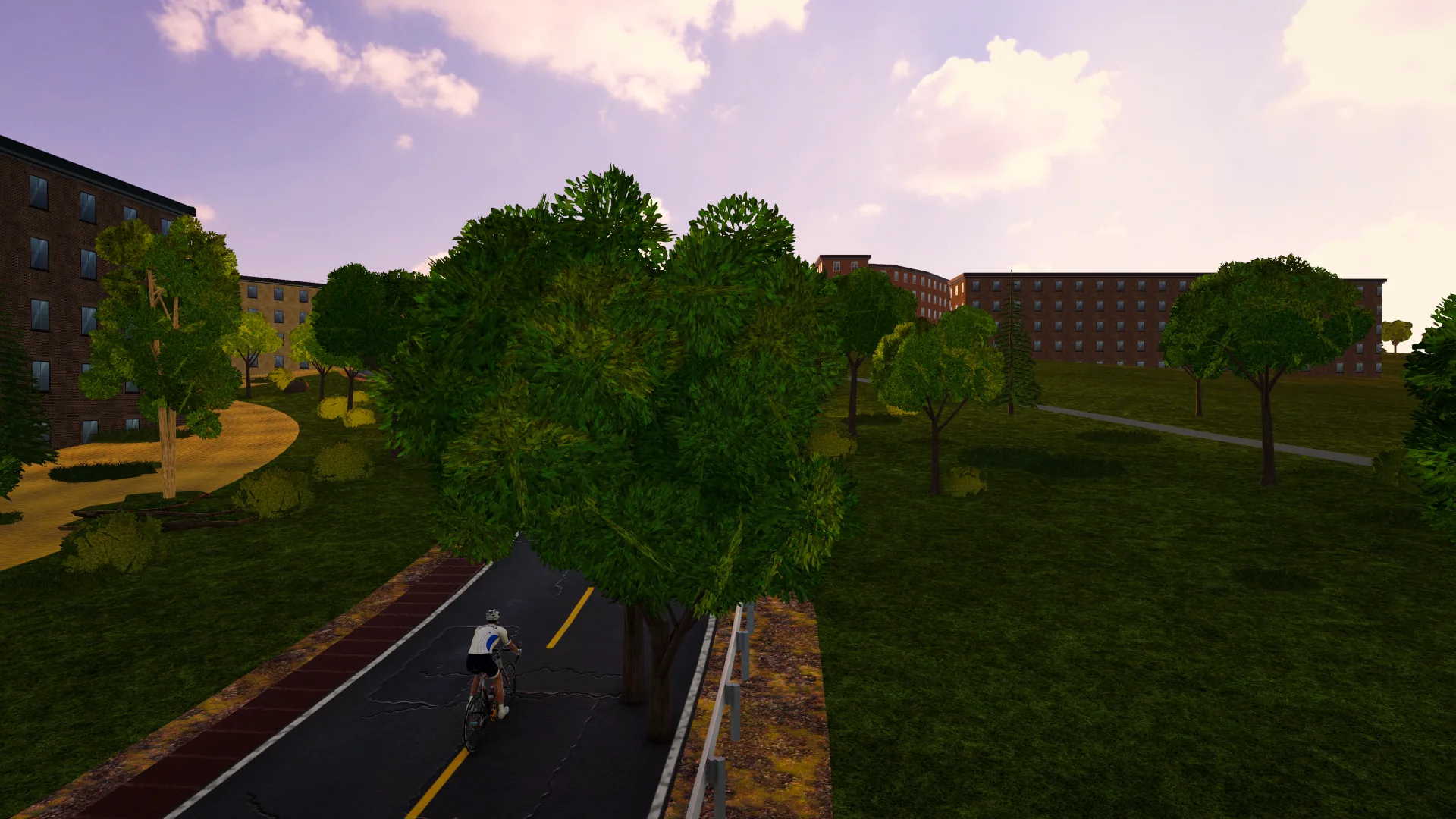
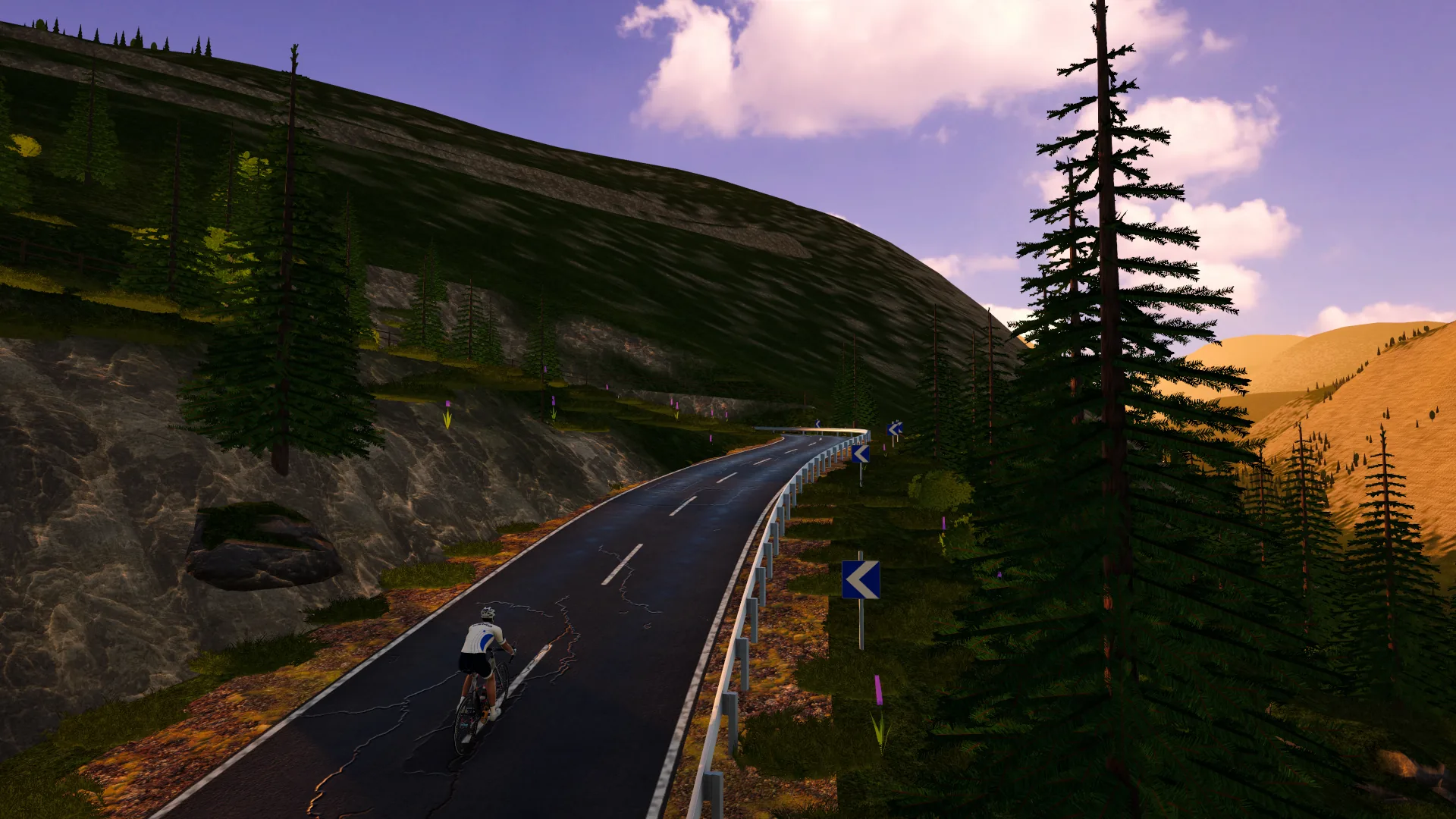
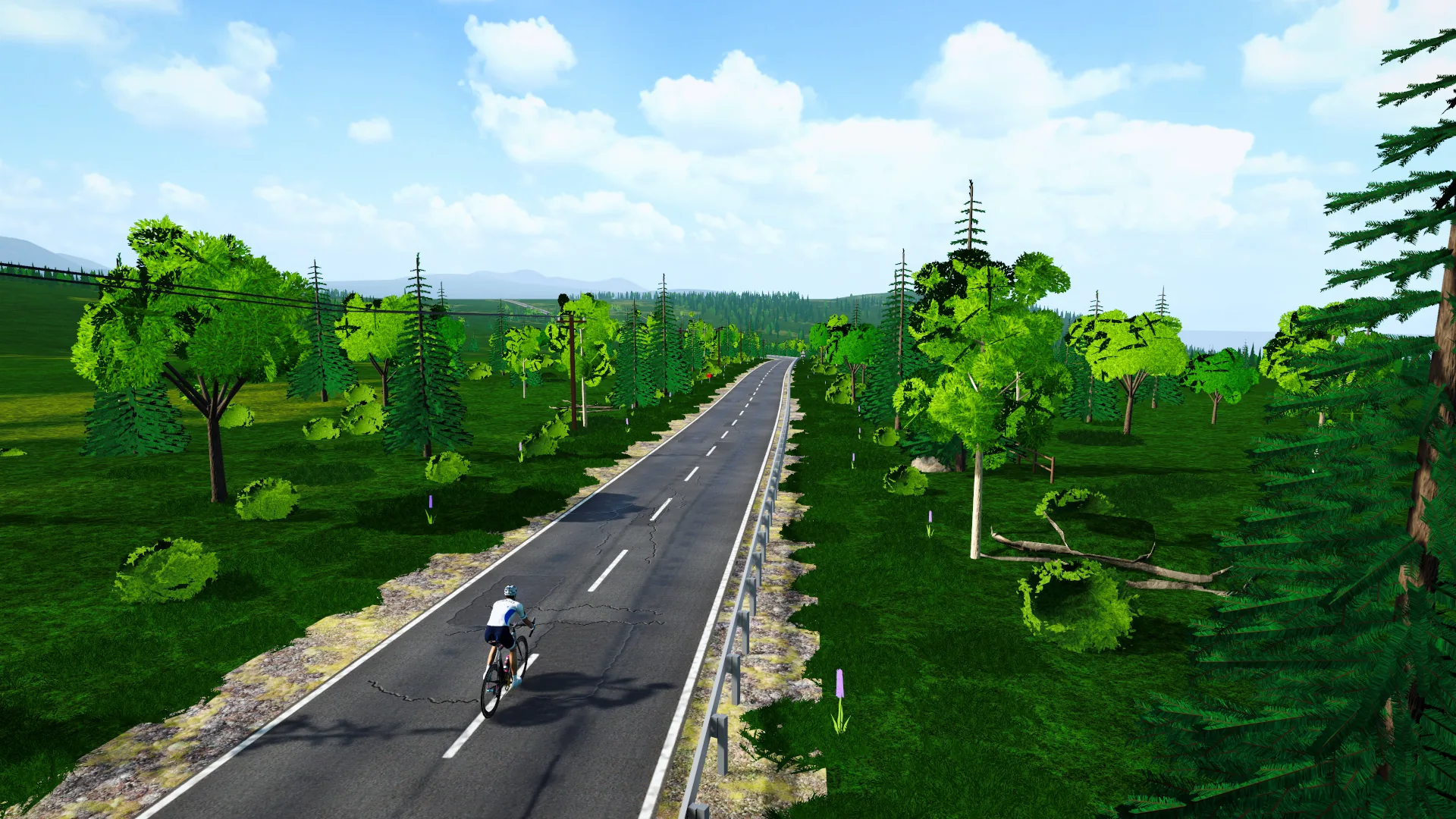
51 real routes on 5 continents, from Montréal to Mount Fuji, ridden live with other people on your home trainer. Install it on Windows for the best graphics, or play right away in your browser.
The full game installed on your computer: high-resolution textures and 120+ fps on a gaming PC. Connect your trainer and sensors by Bluetooth, right on the PC.
Windows 10 or 11, 64-bit
Installer of about 500 MB
If Windows shows “Windows protected your PC”, click “More info”, then “Run anyway” (the game isn’t code-signed yet)
Trainer, power meter, heart-rate strap and cadence sensor (e.g. Garmin) by Bluetooth
Click “Download for Windows” above. The installer is about 500 MB.
02
Open FORGE-Ride-Setup
Find the file in your Downloads folder and double-click it.
03
Get past SmartScreen
If Windows shows “Windows protected your PC”, click “More info”, then “Run anyway”.
04
Launch FORGE Ride
Once it’s installed, open FORGE Ride from the Start menu, sign in and pair your trainer.
Why the SmartScreen warning? The installer is new and not signed yet, so Windows doesn’t know it. It’s the normal message for a new program, not a virus alert.
What you need
Less thanyou think.
Two separate products, one shared account: your XP and your progress follow you from the app to the game and back.